Introduction
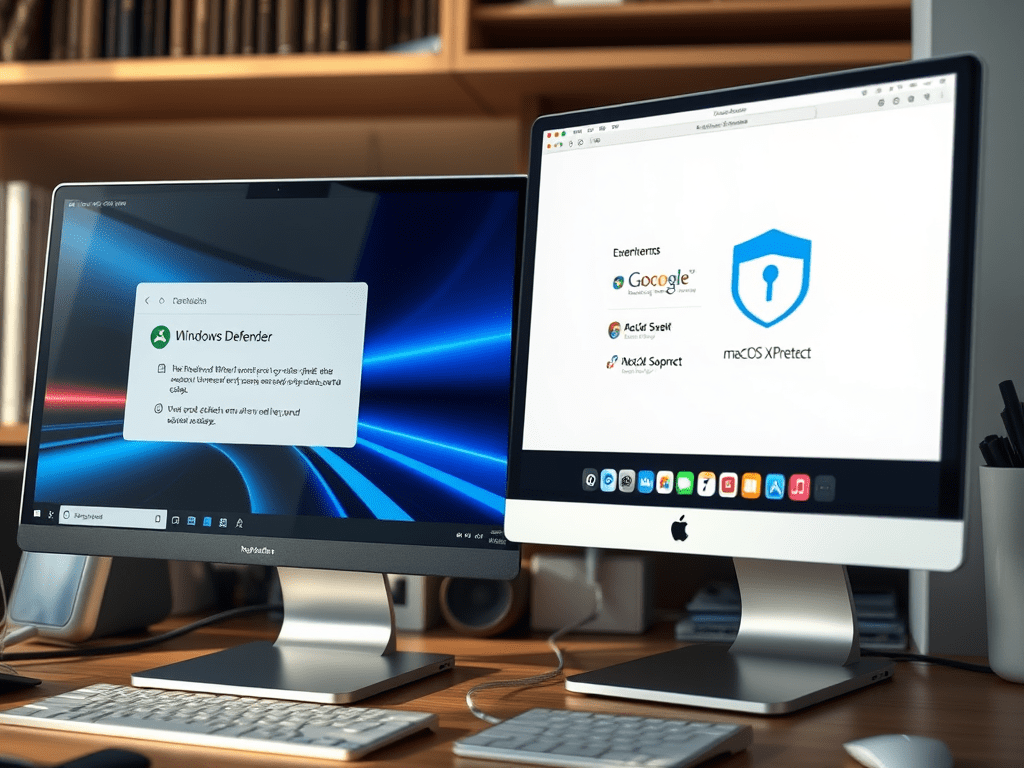
Modern operating systems like Windows 11 and macOS Sonoma boast robust native security tools, leaving many users wondering: “Do I still need third-party antivirus software?” While built-in defenses have improved dramatically, cybersecurity threats evolve even faster. This article breaks down when native protections suffice—and when investing in extra security layers becomes critical.
The Rise of Built-in Security Features
Today’s operating systems integrate multilayered protections:
- Real-Time Threat Detection
- Windows Defender (Microsoft Defender) scans files, blocks malware, and monitors network activity.
- macOS XProtect automatically flags known malicious files.
- Firewall & Network Protection
Both OSes include customizable firewalls to block unauthorized access. - Automatic Updates
Regular patches address vulnerabilities without user intervention. - Sandboxing & Isolation
Suspicious apps run in isolated environments to prevent system-wide infections.
Key Stat: Windows Defender now detects 99% of known malware, matching many premium antivirus tools (AV-Test 2023).
Why Third-Party Antivirus Might Still Matter
Despite OS advancements, standalone security software offers unique advantages:
1. Advanced Threat Prevention
- Zero-Day Attack Protection: Third-party tools often use AI and heuristic analysis to catch brand-new threats missed by signature-based OS scanners.
- Ransomware Defense: Dedicated folders/file encryption monitors (e.g., Bitdefender’s Rescue Environment).
2. Cross-Platform Consistency
Native tools are OS-specific, while solutions like Norton 360 protect Windows, macOS, Android, and iOS under one license—ideal for multi-device households.
3. Privacy & Identity Theft Tools
Many third-party suites bundle:
- VPNs for secure browsing
- Password managers
- Dark web monitoring
4. User-Friendly Features
- Phishing link blockers in browsers/emails
- Parental controls and screen-time management
- Performance optimization tools
When Is Built-in Security Enough?
Third-party software may be overkill if:
✅ You only browse trusted websites and avoid risky downloads.
✅ Your device doesn’t store sensitive data (e.g., banking details).
✅ You’re tech-savvy and rigorously update software/OS.
Case Study: A 2024 Surfshark survey found 62% of macOS users rely solely on XProtect, citing Apple’s “walled garden” app ecosystem as sufficient protection.
5 Scenarios Requiring Extra Protection
Invest in third-party antivirus if:
- You Handle Sensitive Data
Lawyers, freelancers, and remote workers benefit from encrypted vaults and webcam protection. - Children Use the Device
Parental controls and explicit content filters add crucial safeguards. - You Use Public Wi-Fi Frequently
A VPN (often bundled with antivirus suites) encrypts connections at cafes/airports. - You’re a High-Value Target
Journalists, executives, and activists need military-grade anti-spyware tools. - You Run Older Hardware/Software
Unsupported systems (e.g., Windows 8.1) lack current OS security patches.
How to Choose Between Free vs. Paid Antivirus
| Factor | Free Antivirus | Premium Antivirus |
|---|---|---|
| Malware Detection | Basic | Advanced AI + Behavior Blocking |
| Extra Features | Limited or ad-supported | VPN, Password Manager, etc. |
| Customer Support | Community forums | 24/7 Live Chat |
| Best For | Casual users | Businesses, Families, At-Risk Users |
Pro Tip: Test free trials (e.g., Malwarebytes Premium) before committing.
The Verdict: A Hybrid Approach Wins
For most users in 2024, the optimal strategy combines:
- Built-in OS protections as your first line of defense.
- Lightweight third-party scanners (e.g., Malwarebytes) for monthly deep checks.
- VPN & password manager for privacy-focused activities.
Exception: Enterprises and high-risk users should deploy endpoint protection platforms like CrowdStrike or SentinelOne.
Conclusion
While modern OS security tools are more capable than ever, third-party antivirus software fills critical gaps—especially for privacy, cross-platform households, and advanced threat prevention. Assess your risk level, online habits, and budget to decide whether “extra armor” is worth the investment.
 Wonder-Ware
Leave a comment