Introduction
Video file converter software is essential for creators, professionals, and everyday users who need to adapt media for different devices, platforms, or editing workflows. Whether you’re converting MKV to MP4 for social media, compressing 4K footage, or extracting audio from videos, the right tool can save hours of frustration. In this guide, we’ll break down the best video file converter software in 2024, highlighting top picks for speed, format support, and ease of use.
How to Choose Video File Converter Software
Before diving into recommendations, consider these factors:
- Supported Formats: Look for MP4, MOV, AVI, MKV, HEVC, and niche codecs like ProRes.
- Speed: GPU acceleration (NVIDIA CUDA, AMD) and batch processing.
- Output Quality: Bitrate control, resolution scaling, and lossless conversion.
- Platform: Windows, Mac, Linux, or online converters.
- Extra Features: Video editing, compression, subtitle embedding, or DVD ripping.
Top 7 Video File Converter Software in 2024
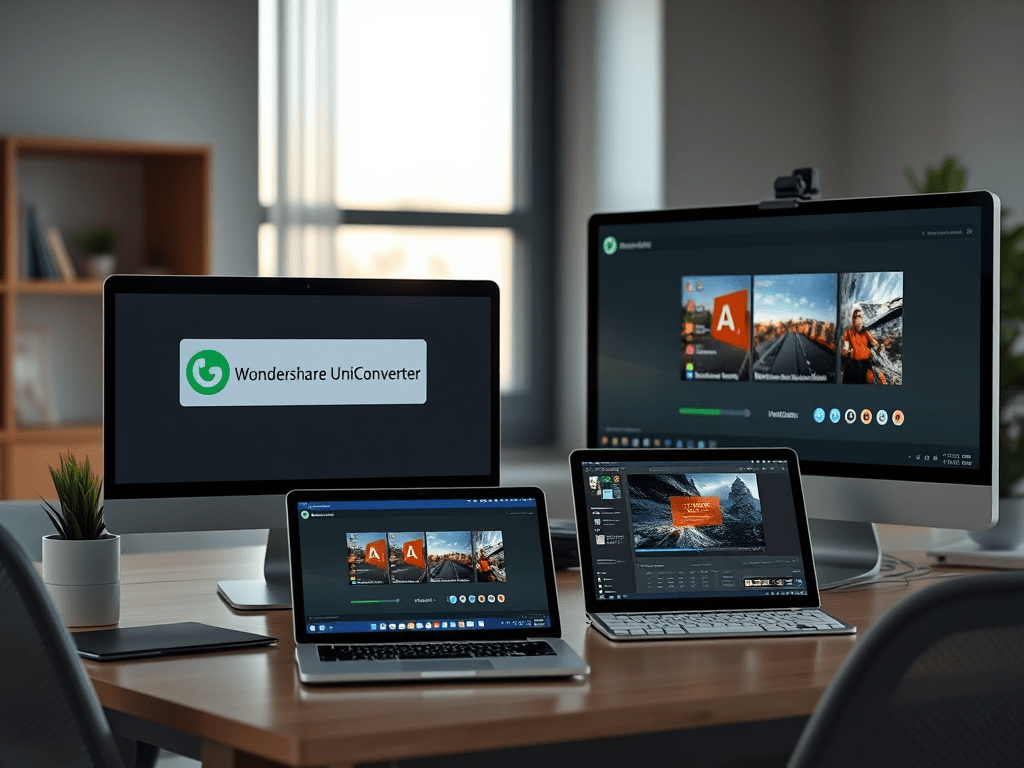
1. Wondershare UniConverter (Best Overall)
- Formats: 1000+ formats, including 4K/8K, VR, and GIF.
- Speed: 30x faster conversion with GPU acceleration.
- Key Features: Video compression, screen recorder, DVD burner.
- Price: $49.95/year (Windows/Mac).
2. HandBrake (Best Free & Open Source)
- Formats: MP4, MKV, WebM.
- Speed: Moderate (no GPU support).
- Key Features: Custom presets, subtitle support, command-line interface.
- Price: Free.
3. Adobe Media Encoder (Best for Professionals)
- Formats: ProRes, DNxHD, H.265, MXF.
- Speed: Lightning-fast with Creative Cloud integration.
- Key Features: Frame-accurate encoding, Lumetri Color presets.
- Price: $20.99/month (via Creative Cloud).
4. Any Video Converter (Best for Beginners)
- Formats: 200+ formats, including device presets (iPhone, Android, PS5).
- Speed: Fast batch processing.
- Key Features: Download online videos, basic video editing.
- Price: Free; Pro version at $49.99.
5. FFmpeg (Best for Developers)
- Formats: Universal codec support.
- Speed: Command-line efficiency.
- Key Features: Scriptable, open-source, no GUI.
- Price: Free.
6. Movavi Video Converter (Best for Home Use)
- Formats: 180+ formats, including APNG and HEIC.
- Speed: Optimized for multi-core CPUs.
- Key Features: Slideshow maker, audio extraction.
- Price: $39.95 (one-time).
7. CloudConvert (Best Online Converter)
- Formats: 200+ formats with cloud integration (Google Drive, Dropbox).
- Speed: Depends on internet speed.
- Key Features: No installation, API for developers.
- Price: Free (limited); $8.99/month for premium.
Free vs. Paid Video Converters: Key Differences
| Feature | Free Converters | Paid Converters |
|---|---|---|
| Output Quality | Often capped at 1080p | 4K/8K, lossless options |
| Watermarks | Common in free versions | No watermarks |
| Speed | Slower (no hardware acceleration) | GPU-accelerated, batch conversion |
| Support | Community forums | 24/7 priority support |
How to Convert Videos Without Losing Quality
- Use Lossless Codecs: Convert to ProRes or DNxHD for editing.
- Adjust Bitrate: Maintain a high bitrate (e.g., 20 Mbps for 1080p).
- Avoid Re-Encoding: Use remuxing (change container without altering codec).
FAQs
Q: What’s the fastest video file converter?
A: Wondershare UniConverter and Adobe Media Encoder lead in speed, thanks to GPU optimization.
Q: Can I convert YouTube videos legally?
A: Only if you own the content or have permission. Use downloaders like 4K Video Downloader.
Q: Do free converters work for 4K?**
A: Most free tools limit 4K output (e.g., HandBrake supports 4K but lacks hardware acceleration).
Q: How to convert MKV to MP4 without quality loss?
A: Remux with tools like FFmpeg: ffmpeg -i input.mkv -codec copy output.mp4.
Conclusion
Choosing the best video file converter software depends on your needs:
- Professionals: Adobe Media Encoder for industry-grade workflows.
- Beginners: Wondershare UniConverter for all-in-one simplicity.
- Budget Users: HandBrake or Any Video Converter for free basic conversions.
Pro Tip: Always preview a short clip before bulk conversion to check quality!
 Wonder-Ware
Leave a comment