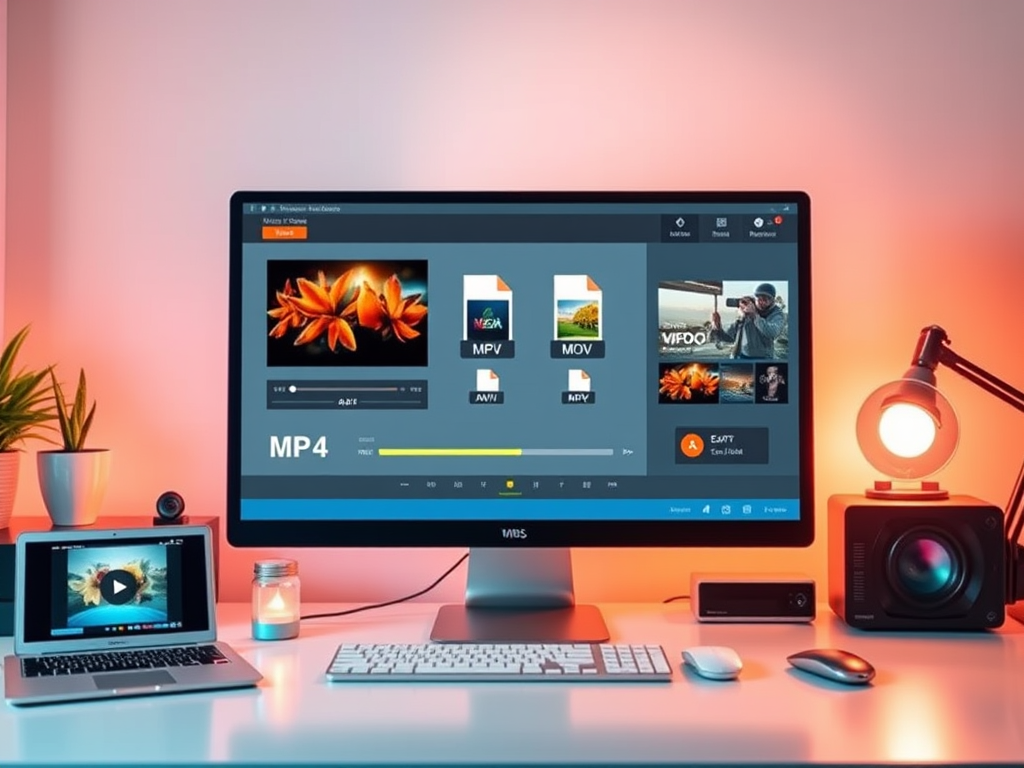
In today’s digital age, videos dominate our daily lives—from streaming content and social media to professional projects and personal memories. However, not all devices, platforms, or apps support the same video formats. This is where video converter software becomes essential. In this article, we’ll explore the principles behind video converters, their core functions, and why they’re indispensable for users worldwide.
What Is Video Converter Software?
Video converter software is a tool designed to change a video file from one format to another. Whether you’re converting an MP4 to AVI for compatibility, compressing a large file for email sharing, or optimizing footage for social media, these programs ensure your videos work seamlessly across devices and platforms.
How Does Video Converter Software Work?
The magic of video conversion lies in three key technical processes:
Decoding and Encoding
- Video files are composed of codecs (compression/decompression algorithms) that compress data for storage and decompress it for playback.
- A video converter first decodes the original file using its codec (e.g., H.264, HEVC) and then re-encodes it into the target format (e.g., MP4, MOV, MKV).
Container Format Conversion
- The “container” (e.g., MP4, AVI, FLV) holds video, audio, subtitles, and metadata.
- Converters repackage content into a new container without altering the core data, ensuring compatibility with specific devices like smartphones, TVs, or gaming consoles.
Resolution and Bitrate Adjustment
- Advanced converters let you modify resolution (e.g., 4K to 1080p), bitrate (quality vs. file size), and frame rate. This is crucial for optimizing videos for platforms like YouTube, Instagram, or TikTok.
Hardware Acceleration
- Modern converters use GPU power (via NVIDIA CUDA, AMD, or Intel Quick Sync) to speed up conversions, reducing processing time by up to 5x compared to CPU-only tools.
Key Benefits of Using Video Converter Software
Universal Compatibility
- Play videos on any device: Convert files to formats supported by iPhones, Android devices, smart TVs, or legacy systems.
Optimized File Size
- Compress large videos without significant quality loss—ideal for email attachments, cloud storage, or bandwidth-limited uploads.
Editing Flexibility
- Convert raw footage into editor-friendly formats (e.g., ProRes for Final Cut Pro or DNxHR for Adobe Premiere).
Platform-Specific Formatting
- Resize and reformat videos for social media (e.g., Instagram Reels, YouTube Shorts) to avoid cropping or quality issues.
Archival and Preservation
- Convert outdated formats (e.g., VOB from DVDs) to modern codecs to prevent data obsolescence.
Top Use Cases for Video Converter Tools
- Content Creators: Repurpose long-form videos into clips for TikTok or YouTube.
- Professionals: Prepare client deliverables in requested formats.
- Gamers: Convert gameplay recordings for streaming platforms.
- Everyday Users: Fix unsupported file errors on phones or media players.
Choosing the Right Video Converter Software
Look for these features when selecting a tool:
- Wide Format Support: MP4, MOV, AVI, WEBM, MKV, etc.
- Batch Processing: Convert multiple files simultaneously.
- Preset Profiles: Device-specific templates (e.g., “iPhone 15 Pro” or “Samsung Galaxy”).
- Editing Tools: Trim, merge, add subtitles, or apply filters.
- Speed and Efficiency: GPU acceleration and multithreading.
Popular options include HandBrake (free, open-source), Wondershare UniConverter (user-friendly), and FFmpeg (command-line power tool).
FAQs About Video Converter Software
Q: Does video conversion reduce quality?
A: It can, if you compress the file excessively. Use lossless codecs like ProRes or adjust bitrate settings carefully.
Q: Can I convert DRM-protected videos?
A: Most converters cannot bypass DRM due to legal restrictions.
Q: How long does conversion take?
A: Depends on file size, hardware, and settings. A 10-minute 1080p video may take 2–10 minutes.
Conclusion
Video converter software bridges the gap between diverse formats and devices, empowering users to unlock the full potential of their video content. Whether for professional workflows, creative projects, or everyday convenience, these tools simplify compatibility and enhance accessibility.
Ready to streamline your video experience? Explore top-rated converters today and never let format issues hold you back!
 Wonder-Ware
Leave a comment