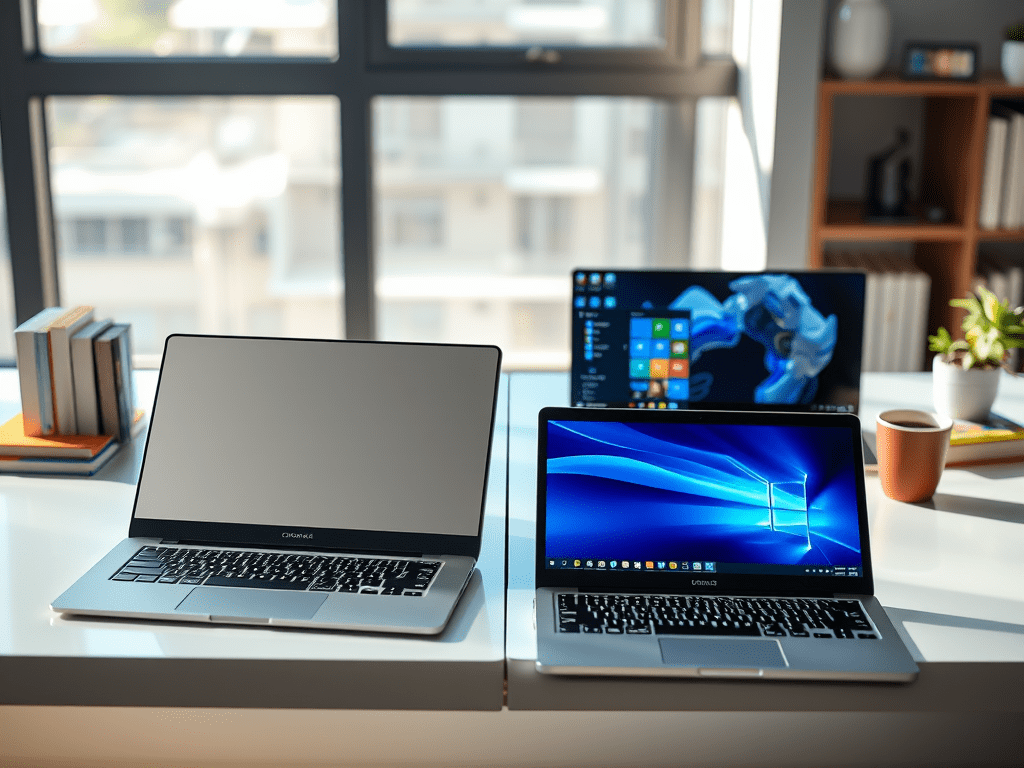
When choosing a laptop, two popular options are Chromebooks and Windows laptops. Both have strengths and weaknesses, depending on your needs. Let’s compare them in key areas to help you decide.
1. Operating System & Software
- Chromebooks run ChromeOS, a lightweight system designed for web-based tasks. They rely heavily on Google apps (Docs, Sheets, Gmail) and web apps. Some support Android apps, but they struggle with advanced software like Photoshop or video editors.
- Windows laptops use Windows 11, which supports full desktop applications like Microsoft Office, Adobe Suite, and PC games. They are better for professional work, programming, and gaming.
2. Performance & Hardware
- Chromebooks usually have low-power processors (like Intel Celeron or MediaTek) and less RAM (4GB-8GB). They are fast for browsing and basic tasks but slow for heavy workloads.
- Windows laptops offer a wider range—from budget models to high-performance machines with Intel Core i7/Ryzen 7, 16GB+ RAM, and dedicated GPUs, making them better for gaming, video editing, and multitasking.
3. Price & Affordability
- Chromebooks are cheaper ($150-$500), great for students and casual users.
- Windows laptops range from budget ($300) to premium ($2000+). You get more power, but at a higher cost.
4. Storage & Offline Use
- Chromebooks have small storage (32GB-128GB) since they rely on cloud storage (Google Drive). Some work offline, but functionality is limited.
- Windows laptops usually have larger SSDs (256GB-2TB) and can run apps offline without issues.
5. Security & Updates
- Chromebooks are more secure—they get automatic updates for years and are resistant to viruses.
- Windows laptops need antivirus software and manual updates, but they offer more control over security settings.
6. Battery Life
- Chromebooks often last 10-12 hours due to their lightweight OS.
- Windows laptops vary—ultrabooks get 8-10 hours, while gaming laptops last 3-5 hours.
Which One Should You Choose?
✔ Pick a Chromebook if: You mainly browse, stream, and use Google apps. Great for students and light users.
✔ Pick a Windows laptop if: You need powerful software, gaming, or professional work.
Both have pros and cons—your choice depends on budget, needs, and usage habits! 🚀
 Wonder-Ware
Leave a comment