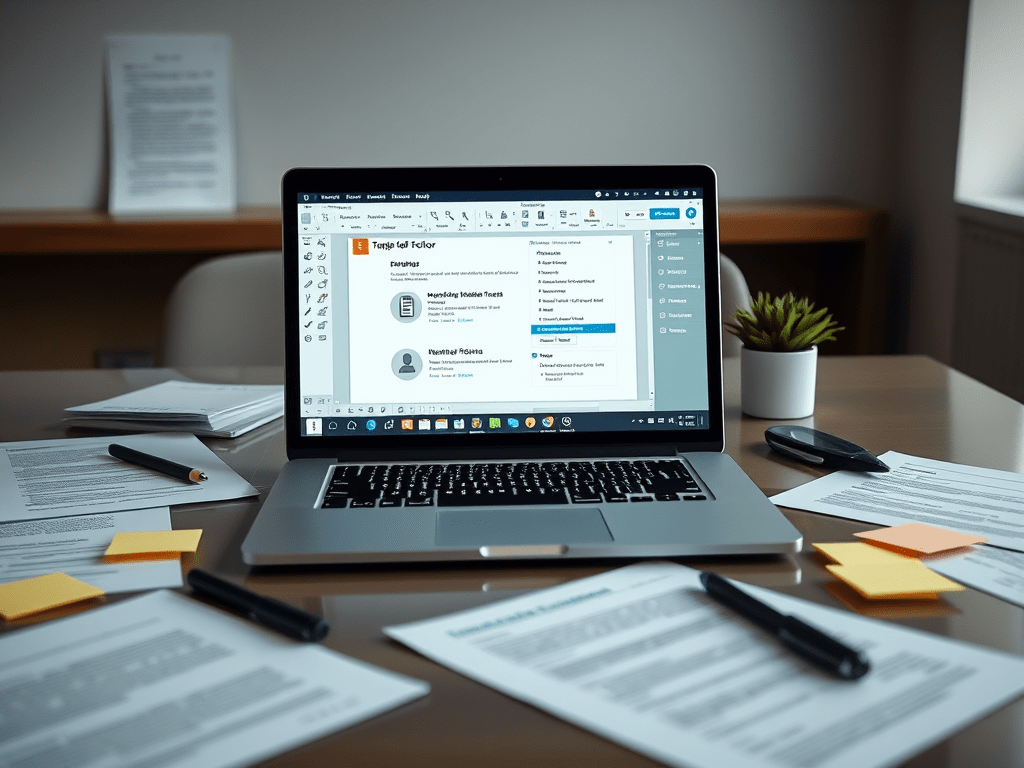
In today’s digital world, PDFs remain one of the most widely used file formats for sharing documents securely while preserving formatting. Whether you’re a student, a professional, or a business owner, having a versatile PDF editor can significantly enhance productivity. A powerful PDF tool should allow you to edit, annotate, convert, and secure documents with ease.
Why Do You Need a PDF Editor?
PDFs are essential for:
- Contracts & Legal Documents – Ensuring text and formatting remain unchanged.
- Business Reports & Proposals – Maintaining a professional layout.
- Academic Papers & E-books – Highlighting and adding notes.
- Forms & Applications – Filling out and signing digitally.
Without the right PDF editor, simple tasks like editing text, merging files, or adding signatures can become frustrating.
Key Features of a Versatile PDF Editor
A high-quality PDF editor should offer:
1. Editing & Formatting Tools
- Modify text, fonts, and images.
- Rearrange, delete, or add pages.
- Adjust layouts for a polished look.
2. Annotation & Collaboration
- Highlight, underline, and add comments.
- Draw shapes and sticky notes for feedback.
- Share documents with team members for real-time collaboration.
3. Conversion & Compatibility
- Convert PDFs to Word, Excel, PowerPoint, or image formats.
- Create PDFs from other file types (e.g., JPG, PPT, DOCX).
- Ensure compatibility across devices and operating systems.
4. Security & Signatures
- Password-protect sensitive documents.
- Redact confidential information.
- Add digital or e-signatures for approvals.
5. OCR (Optical Character Recognition)
- Extract text from scanned PDFs or images.
- Make scanned documents searchable and editable.
6. Batch Processing & Automation
- Merge or split multiple PDFs at once.
- Apply watermarks or page numbers in bulk.
Top PDF Editors for Individuals & Businesses
Several PDF editors stand out based on features and usability:
- Adobe Acrobat Pro – Industry standard with advanced tools.
- Foxit PDF Editor – Lightweight yet powerful for businesses.
- Nitro PDF Pro – Great for Windows users with robust editing.
- PDFelement (Wondershare) – Affordable with strong OCR capabilities.
- Sejda PDF Editor – Web-based with free tier for quick edits.
Choosing the Right PDF Editor
When selecting a PDF editor, consider:
✔ Ease of Use – Intuitive interface for quick edits.
✔ Pricing – Subscription vs. one-time purchase.
✔ Cloud Integration – Access files from anywhere.
✔ Mobile Support – Edit on-the-go via smartphone apps.
Conclusion
A versatile PDF editor is a must-have tool for individuals and businesses alike. Whether you need to modify contracts, collaborate on reports, or secure sensitive documents, the right software can save time and streamline workflows. Evaluate your needs, compare features, and choose a PDF editor that enhances your productivity while keeping your documents professional and secure.
What’s your go-to PDF editor? Share your recommendations below!
 Wonder-Ware
Leave a comment