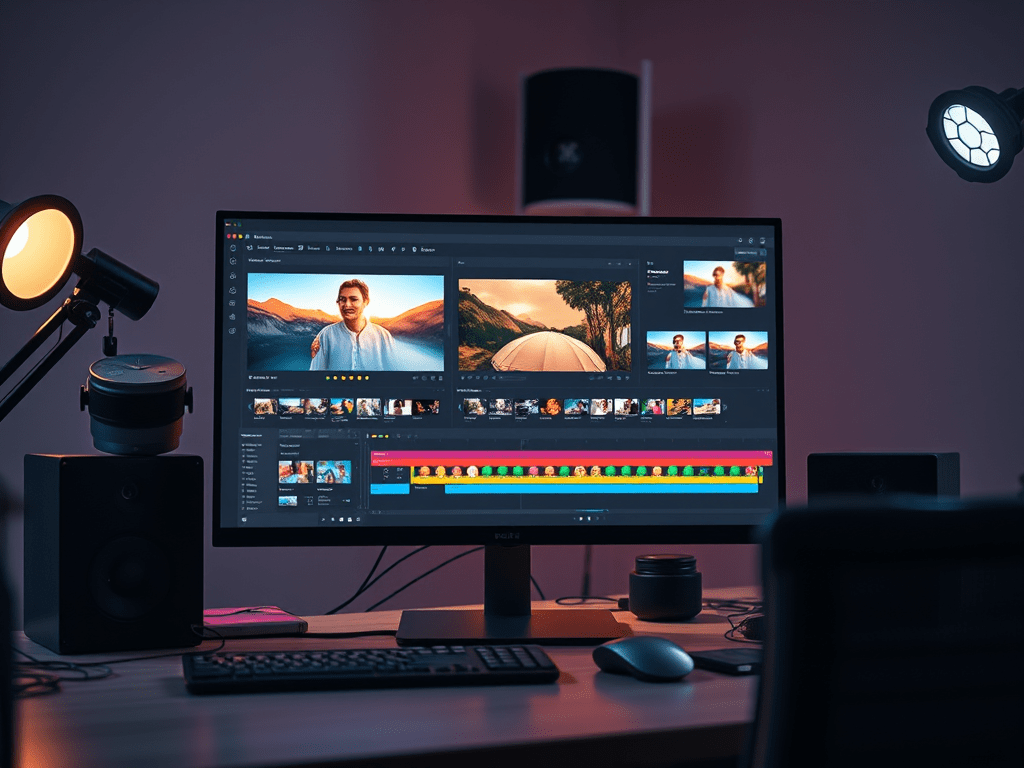
Video editing is an essential skill in today’s digital world, whether you’re creating content for YouTube, social media, or personal projects. As we move into 2025, these fundamental techniques remain crucial for crafting professional-looking videos. Here are 10 essential editing techniques every beginner should master:
1. Jump Cut
What it is: Removing unnecessary middle sections to create a time-lapse effect or show quick progression.
How to use it:
- Great for vlogs and tutorials
- Creates dynamic pacing
- Example: Cutting between different takes of the same shot
2. J-Cut & L-Cut
What they are:
- J-Cut: Audio from next scene starts before visual transition
- L-Cut: Audio from current scene continues into next shot
Why they matter: - Creates smooth transitions
- Maintains narrative flow
- Essential for interviews and documentaries
3. Montage
What it is: A sequence of short shots edited together to condense time or information.
Pro tip for 2025:
- Use AI-assisted tools to automatically select best clips
- Add background music with dynamic volume adjustments
4. Match Cut
What it is: Transitioning between similar shapes, movements, or compositions.
Example:
- Cutting from a spinning wheel to a spinning globe
- Creates visual continuity
5. Cut on Action
What it is: Editing at the moment of movement to hide the cut.
Why it works:
- Makes edits invisible
- Maintains momentum
6. Cross-Cutting (Parallel Editing)
What it is: Alternating between two or more scenes happening simultaneously.
2025 application:
- Great for short-form vertical videos
- Builds suspense effectively
7. Cutaway
What it is: Inserting a related shot to provide context or break up dialogue.
Modern use:
- Add B-roll from stock libraries using AI search
- Helps maintain viewer engagement
8. Smash Cut
What it is: A sudden, dramatic transition between contrasting scenes.
2025 twist:
- Pair with AI-generated sound effects
- Effective for comedy or horror
9. Invisible Cut
What it is: Hiding cuts in dark frames or motion blurs.
New tools:
- Use AI-powered masking tools
- Perfect for one-take illusions
10. Rhythm Editing
What it is: Cutting to the beat of music or natural rhythm.
2025 advantage:
- Auto-sync tools in apps like Premiere Pro
- Creates professional-looking music videos
Bonus: AI-Assisted Editing in 2025
Modern editing software now includes:
- Auto-reframing for different platforms (TikTok, YouTube, Instagram)
- Smart color correction
- Voice-to-text editing (edit by editing transcripts)
Getting Started Tips
- Master keyboard shortcuts – they’ll save hours
- Organize your files properly from day one
- Learn basic color grading
- Watch tutorials specific to your editing software
- Analyze edits in your favorite videos
Remember: Great editing should be invisible. The best edits serve the story without calling attention to themselves. As you practice these techniques in 2025, focus on developing your own style while mastering these fundamentals.
Which technique are you most excited to try? Share in the comments!
Pro tip: Many 2025 editing apps now offer AI-assisted versions of these techniques – experiment with both manual and automated approaches to find what works best for your workflow.
 Wonder-Ware
Leave a comment