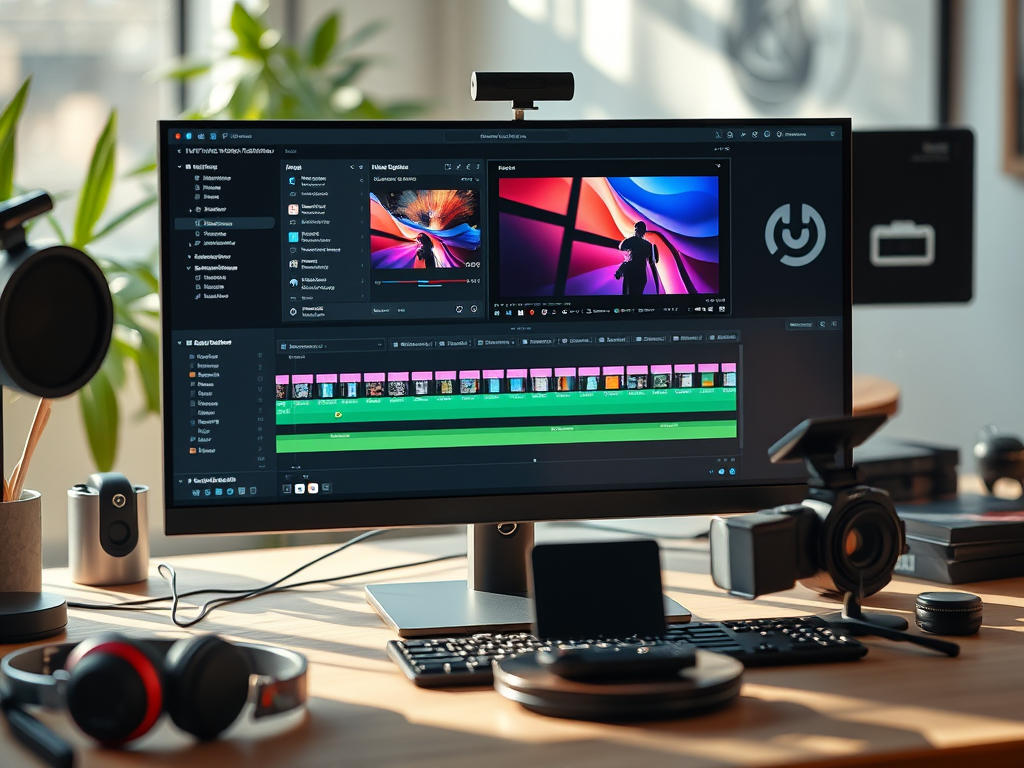
The video editing landscape continues to evolve, with free software becoming more powerful than ever. Whether you’re a beginner, content creator, or indie filmmaker, you no longer need expensive subscriptions to produce high-quality videos.
In this 2025 guide, we compare the top free video editing software—including DaVinci Resolve, Shotcut, and HitFilm Express—along with new contenders that have emerged. We’ll break down their strengths, weaknesses, and best use cases so you can choose the right tool for your needs.
1. DaVinci Resolve 20: Still the King of Free Editing
Best for: Professionals, color grading, and high-end post-production.
What’s New in 2025?
- AI-powered editing tools (auto-cut, smart reframing, voice isolation).
- Enhanced cloud collaboration for remote teams.
- Better optimization for Apple Silicon & Windows ARM.
Pros:
✅ Hollywood-grade color correction (still the best in class).
✅ Fusion VFX & Fairlight audio included in the free version.
✅ Supports 8K editing & HDR grading.
Cons:
❌ Demanding on hardware (requires a strong GPU & CPU).
❌ Complex for beginners (steep learning curve).
Verdict: The best free editor for serious creators, but overkill for casual use.
2. Shotcut 5.0: The Open-Source Powerhouse
Best for: Beginners, Linux users, and lightweight editing.
What’s New in 2025?
- Revamped UI (finally more modern!).
- Hardware-accelerated encoding (faster exports).
- New AI audio cleanup tool.
Pros:
✅ 100% free, no watermarks or paywalls.
✅ Runs on low-end PCs (great for older machines).
✅ Supports 4K, 360°, and proxy editing.
Cons:
❌ Still lacks advanced VFX & motion tracking.
❌ Fewer tutorials compared to DaVinci or CapCut.
Verdict: A reliable, no-nonsense editor for simple projects.
3. HitFilm Express 2025: Best for VFX & YouTube Creators
Best for: YouTubers, indie filmmakers, and VFX enthusiasts.
What’s New in 2025?
- More free VFX packs (previously paid features unlocked).
- AI-assisted rotoscoping & masking.
- Better performance on M3 & Ryzen 8000 chips.
Pros:
✅ Built-in VFX & compositing tools (great for green screen work).
✅ User-friendly for intermediate editors.
✅ Large community & tutorial support.
Cons:
❌ Some features still require paid expansions.
❌ Export options limited in free version.
Verdict: The best free option for creators who want VFX without Adobe After Effects.
4. New Contenders in 2025
CapCut Pro (Free Tier) – Best for Short-Form Content
- Auto-captions, AI voiceovers, and TikTok templates.
- Cloud-based collaboration.
- Free tier has minor watermarks.
Olive 2.0 – The Open-Source DaVinci Alternative
- Node-based compositing (like Fusion).
- Still in beta but improving fast.
Comparison Table (2025 Edition)
| Feature | DaVinci Resolve 20 | Shotcut 5.0 | HitFilm Express 2025 |
|---|---|---|---|
| 4K/8K Support | Yes (8K) | Yes (4K) | Yes (4K, paid 8K) |
| AI Tools | ✅ Advanced | ✅ Basic | ✅ Moderate |
| VFX & Compositing | ✅ (Fusion) | ❌ None | ✅ Built-in |
| Audio Editing | ✅ (Fairlight) | ✅ Basic | ✅ Basic |
| Ease of Use | ❌ Hard | ✅ Easy | ✅ Medium |
| Best For | Pros & filmmakers | Beginners | YouTubers & VFX |
Which One Should You Use in 2025?
- For professional editing & color grading → DaVinci Resolve 20.
- For simple, no-frills editing → Shotcut 5.0.
- For YouTube & VFX → HitFilm Express 2025.
- For TikTok/Reels → CapCut (Free Tier).
Final Thoughts
Free video editing software in 2025 is more capable than ever. While DaVinci Resolve remains the top choice for professionals, Shotcut and HitFilm Express cater to different needs. New tools like CapCut and Olive are also worth exploring.
Which free editor are you using in 2025? Let us know in the comments!

 Wonder-Ware
Leave a comment