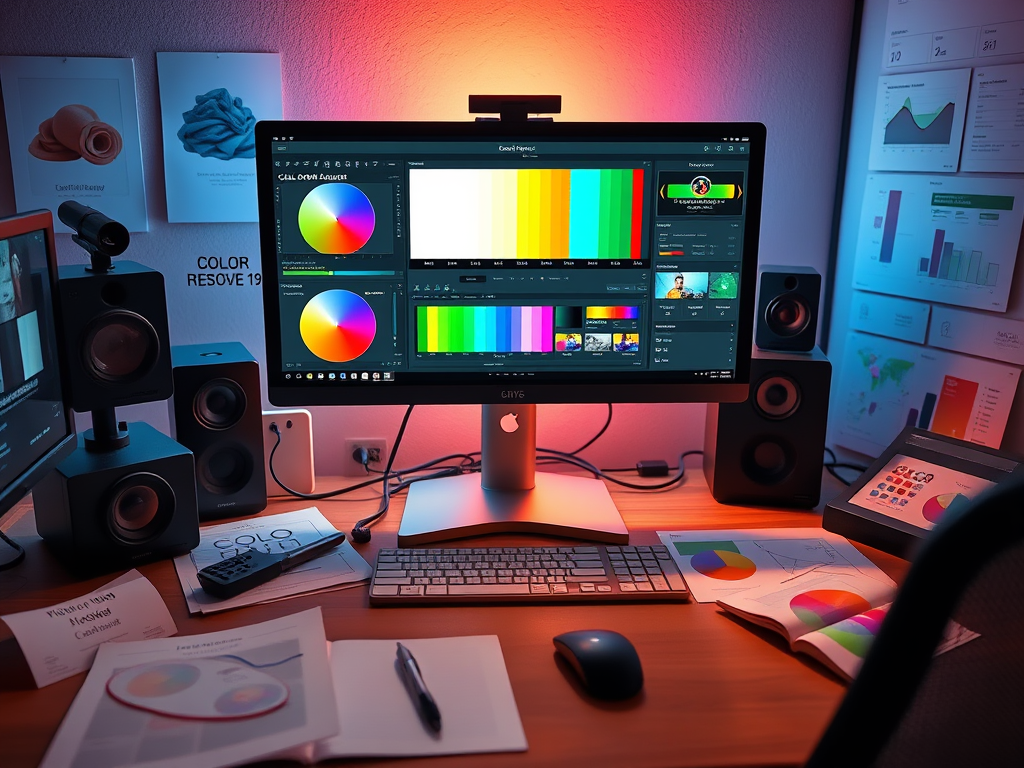
Color grading has become an essential skill for filmmakers and content creators. Whether you’re working on a Hollywood production or YouTube videos, understanding color can transform your footage from flat to cinematic. This guide covers the fundamentals of color theory, essential tools, and practical techniques using DaVinci Resolve 19.
1. Understanding Color Theory for Video
The Color Psychology
- Warm tones (reds/oranges): Create energy and intensity
- Cool tones (blues/teals): Suggest calmness or isolation
- Skin tones: Must remain natural (stay within the “skin tone line”)
Key Concepts
- Luminance: Brightness values (protect highlights/shadows)
- Hue: The actual color (red, blue, etc.)
- Saturation: Color intensity (0-100%)
2025 Insight: AI color matching tools now analyze scenes for emotional tone suggestions
2. Essential Color Grading Tools
DaVinci Resolve 19 (Free Version)
- Color Page: Node-based professional workflow
- New in 2025: AI-powered auto-balance and sky replacement
- Magic Mask: Object-specific color adjustments
Alternative Options
- Premiere Pro Lumetri: Simpler but less precise
- Final Cut Color Board: Mac-optimized performance
- FilmConvert Nitrate: Film stock emulation plugin
3. The Color Grading Workflow
Step 1: Technical Correction
- Set proper exposure with waveforms
- Balance whites using the color wheel
- Fix skin tones with vectorscope
Step 2: Creative Grading
- Primary Correction: Overall look (temperature/tint)
- Secondary Correction: Isolated adjustments (eyes/sky)
- Film Emulation: Add grain and halation
Pro Tip: Always grade under proper lighting conditions (6500K)
4. LUTs vs. Manual Grading
When to Use LUTs
- Quick turnaround projects
- Consistent looks across multiple videos
- As starting points (never as final look)
When to Grade Manually
- Precise creative control needed
- Problem footage (over/under exposed)
- High-end productions
2025 Trend: Adaptive LUTs that adjust to scene content
5. Practical Color Grading Examples
Case 1: The Blockbuster Look
- Cool shadows (teal)
- Warm highlights (orange)
- Subtle film grain
- Raised black levels
Case 2: Social Media Vibrancy
- Boosted saturation
- Crushed blacks
- High contrast
- Sharpened details
Case 3: Documentary Neutrality
- Natural skin tones
- Protected highlights
- Minimal style
- Focus on accurate colors
6. 2025 Color Grading Innovations
- AI Color Matching: Automatically analyzes reference frames
- Smart Tone Mapping: Better HDR conversions
- Neural Film Stocks: Digital emulation of rare film types
- Cloud Grading: Real-time collaboration for remote teams
Getting Started Checklist
- Learn to read scopes (waveform/vectorscope)
- Master primary correction before secondaries
- Build a personal LUT library
- Study film color palettes you admire
- Practice with different camera profiles
“Color grading is the final rewrite of your visual story. In 2025, we have more tools than ever, but the artistic eye remains irreplaceable.” – Company Colorist, Netflix
What’s your biggest color grading challenge? Share your questions below!
 Wonder-Ware
Leave a comment