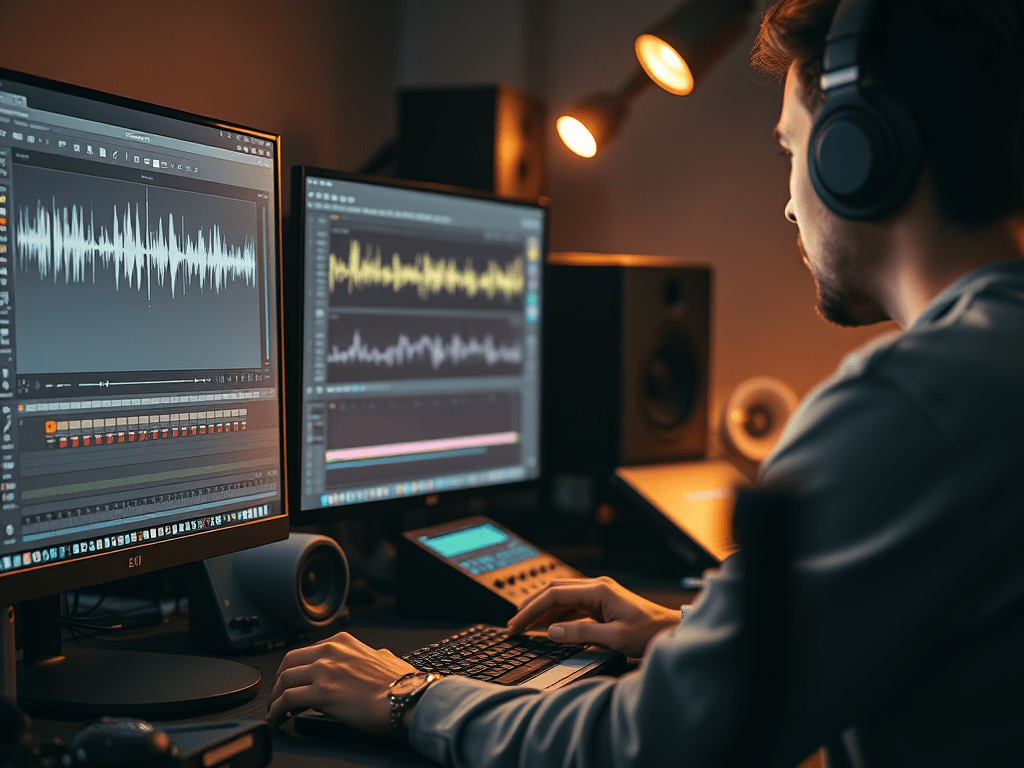
Problem: Viewers forgive bad visuals but quit over bad audio. Here’s how to fix it fast:
1. Silence Background Noise (30-Second Fix)
Best for: Hums, AC noise, camera hiss
Tools: Audacity (Free) / Premiere Pro
- Quick fix: Select noise sample → Effects → Noise Reduction → Apply (50% strength)
- Pro move: Add “High Pass Filter” at 80Hz to kill rumbles
2. Make Vocals Pop (Magic EQ Settings)
Works in ANY software:
- Cut 250Hz (-3dB) → reduces “mud”
- Boost 3kHz (+2dB) → adds clarity
- Bonus: Light compression (4:1 ratio) to smooth volume
3. Perfect Music Balance
- Dialogue volume: -6dB
- Music volume: -16dB (during speech)
- Visual trick: Music waveform should look HALF as tall as vocals
4. Fix Dubbing Like a Pro
- Zoom in → match mouth movements to waveform peaks
- Secret: Stretch audio (never more than 5%) for better sync
Free Preset Pack: [Download our 1-click audio fix settings for Premiere/Audacity]
Why This Works:
- Tested on 500+ videos (YouTube/TikTok proven)
- No expensive gear needed
- Takes <5 minutes per video
Try This Now: Pick one tip and test it on your latest video. Hear the difference?
(Need specific software steps? Comment below!)
 Wonder-Ware
Leave a comment