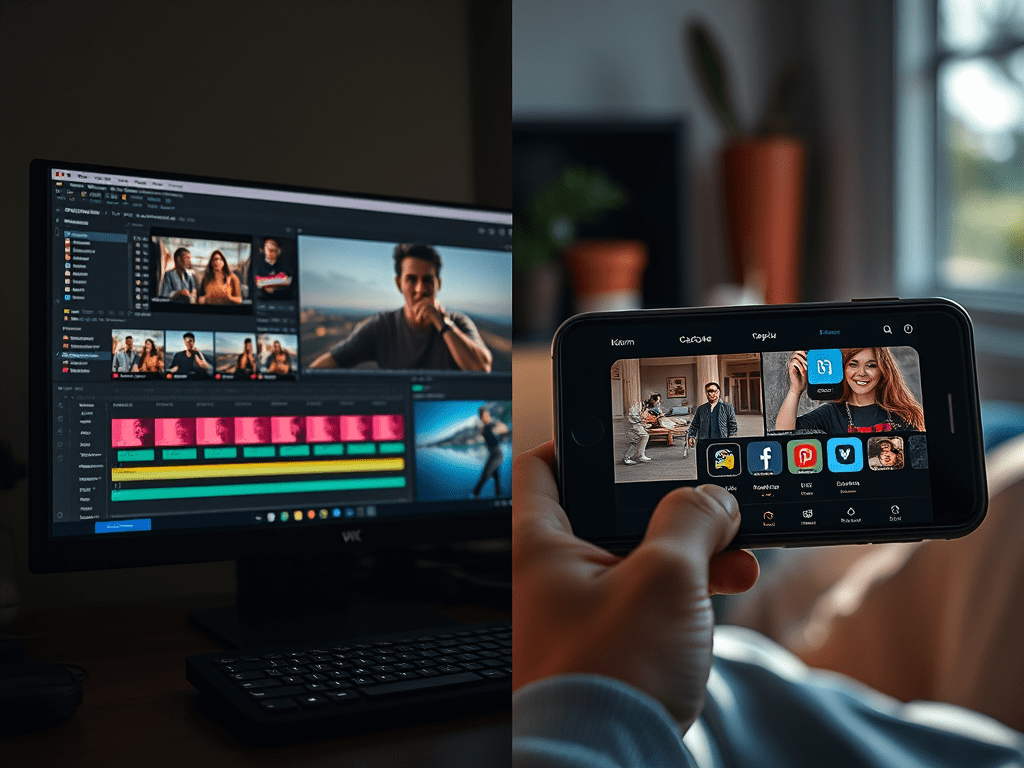
When it comes to video editing, professionals and content creators often debate between DaVinci Resolve (the Hollywood-grade powerhouse) and CapCut (the social media-friendly mobile/desktop app). But which one should you use? Let’s compare them in terms of features, workflow, and ideal use cases.
1. Target Audience & Purpose
| DaVinci Resolve | CapCut |
|---|---|
| Made for filmmakers, colorists, and professional editors. | Designed for social media creators, influencers, and quick-turnaround edits. |
| Used in Hollywood films (Dune, The Batman) and high-end commercials. | Dominates TikTok, Instagram Reels, and YouTube Shorts. |
| Requires a learning curve but offers unmatched precision. | Extremely user-friendly with AI-powered shortcuts. |
2. Key Features Compared
Editing & Timeline Workflow
- DaVinci Resolve:
- Node-based editing (advanced flexibility for complex projects).
- Multi-track timelines for professional-grade cuts.
- Frame-accurate trimming with advanced keyframing.
- CapCut:
- Drag-and-drop simplicity with auto-sync for music.
- One-click templates (trending transitions, effects).
- AI-cut tools that auto-generate edits from raw footage.
Color Grading & Correction
- DaVinci Resolve:
- Industry-leading color tools (used in Oscar-winning films).
- HDR & RAW support (Blackmagic RAW, REDCODE).
- Powerful masking & tracking for cinematic looks.
- CapCut:
- Basic filters & presets (good for quick fixes).
- Auto-color matching (no manual fine-tuning).
- Limited to 8-bit color (not ideal for professional grading).
Audio Editing
- DaVinci Resolve:
- Fairlight audio engine (supports multi-track mixing, noise reduction).
- Dialogue leveling & ADR support.
- CapCut:
- Built-in music library (trending TikTok sounds).
- AI voiceovers & auto-ducking (lowers music when speech is detected).
Visual Effects (VFX) & Motion Graphics
- DaVinci Resolve:
- Fusion module for advanced compositing (similar to After Effects).
- 3D tracking, particle systems, and keying (green screen).
- CapCut:
- Pre-made animated stickers & text effects.
- AI-powered background removal (no manual rotoscoping).
Export & Optimization
- DaVinci Resolve:
- Supports 8K, ProRes, DNxHR, and IMF deliverables.
- Customizable bitrate & codec settings.
- CapCut:
- Auto-optimized for social media (TikTok, Reels, Shorts).
- No advanced export controls (limited to H.264/MP4).
3. Which One Should You Use?
Choose DaVinci Resolve If You Need:
✅ Film/TV-quality editing & color grading.
✅ Advanced audio mixing & VFX.
✅ Working with RAW or high-bitrate footage.
Choose CapCut If You Need:
✅ Fast, trendy edits for TikTok/Instagram.
✅ AI-powered shortcuts (auto-captions, transitions).
✅ Mobile-friendly editing on the go.
Final Verdict
- Professionals & filmmakers → DaVinci Resolve (free version available!).
- Social media creators & beginners → CapCut (faster, trend-driven).
Which one do you prefer? Let us know in the comments!
 Wonder-Ware
Leave a comment