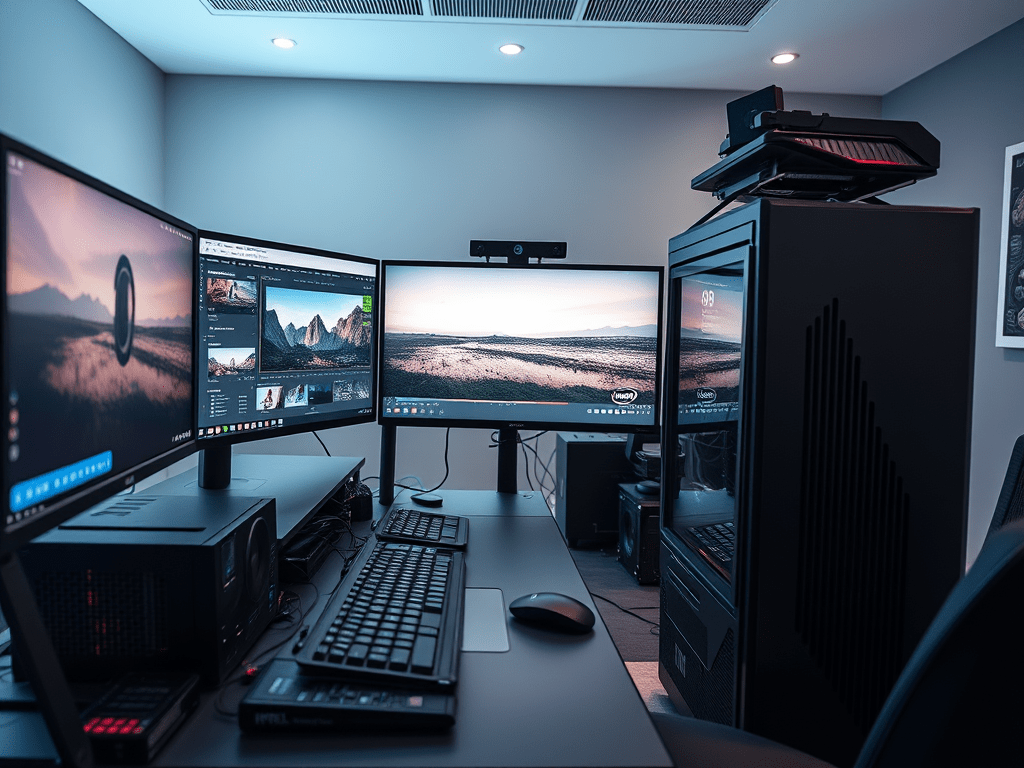
Editing high-resolution footage—whether 4K or 8K—demands powerful hardware to ensure smooth playback, fast rendering, and efficient workflow. If you’re struggling with lagging timelines or endless export times, this guide breaks down the optimal PC setup for professional-grade editing.
Why 4K/8K Editing Requires High-End Hardware?
Unlike 1080p, 4K (3840×2160) has 4x the pixels, and 8K (7680×4320) has 16x—meaning exponentially larger file sizes, higher bandwidth needs, and greater GPU/CPU strain. Without the right components, you’ll face:
- Choppy playback in Premiere Pro, DaVinci Resolve, or Final Cut Pro.
- Slow rendering & export times, wasting hours on processing.
- Crashing & instability due to insufficient RAM or overheating.
Recommended Hardware for 4K/8K Editing
1. Processor (CPU) – The Brain of Your Workstation
- Minimum (Budget 4K Editing): Intel Core i7-13700K / AMD Ryzen 7 7700X
- Recommended (Smooth 4K/8K Workflow): Intel Core i9-14900K / AMD Ryzen 9 7950X
- High-End (Professional 8K & Multi-Cam Editing): AMD Threadripper PRO 7975WX
Why? More cores (16+) help with real-time effects, color grading, and multi-threaded rendering.
2. Graphics Card (GPU) – Essential for Playback & Effects
- Minimum (Basic 4K): NVIDIA RTX 4070 / AMD RX 7800 XT (12GB+ VRAM)
- Recommended (4K/8K with Effects): NVIDIA RTX 4080 Super / RTX 4090 (16-24GB VRAM)
- High-End (AI Upscaling, RAW 8K): NVIDIA RTX 6000 Ada (48GB VRAM)
Why? GPU accelerates effects (Noise Reduction, Warp Stabilizer), AI tools (Topaz Video AI), and playback.
3. RAM – Avoid Bottlenecks in Large Projects
- Minimum (Light 4K): 32GB DDR5
- Recommended (Pro 4K/8K): 64GB–128GB DDR5
- High-End (Complex Compositing): 128GB+
Why? More RAM prevents crashes when working with multiple layers, After Effects comps, or high-bitrate codecs.
4. Storage – Speed Matters for Large Video Files
- OS & Apps: 1TB NVMe SSD (PCIe 4.0/5.0)
- Active Projects & Cache: 2TB–4TB NVMe SSD (Samsung 990 Pro, WD Black SN850X)
- Long-Term Storage: 8TB+ HDD (WD Gold / Seagate Exos) or NAS
Why? SSDs reduce loading times, while HDDs provide affordable bulk storage.
5. Cooling & Power Supply (PSU)
- CPU Cooler: Noctua NH-D15 (Air) / Corsair iCUE H150i (AIO Liquid)
- PSU: 850W–1200W 80+ Gold (Seasonic, Corsair RMx)
Why? High-end components generate heat—proper cooling prevents throttling.
Bonus: Optimizing Your Editing Software
- Use Proxies (low-res preview files) in Premiere Pro/DaVinci Resolve for smoother editing.
- Enable GPU Acceleration in settings (CUDA for NVIDIA, Metal for Apple).
- Choose the Right Codec (ProRes 422 HQ for Mac, DNxHR for PC).
Final Thoughts
For 4K editing, a well-balanced system (i9/Ryzen 9 + RTX 4080 + 64GB RAM) is ideal. For 8K workflows, invest in a Threadripper PRO, RTX 4090, and 128GB+ RAM.
Already editing in 4K/8K? Share your setup below! 🚀
 Wonder-Ware
Leave a comment