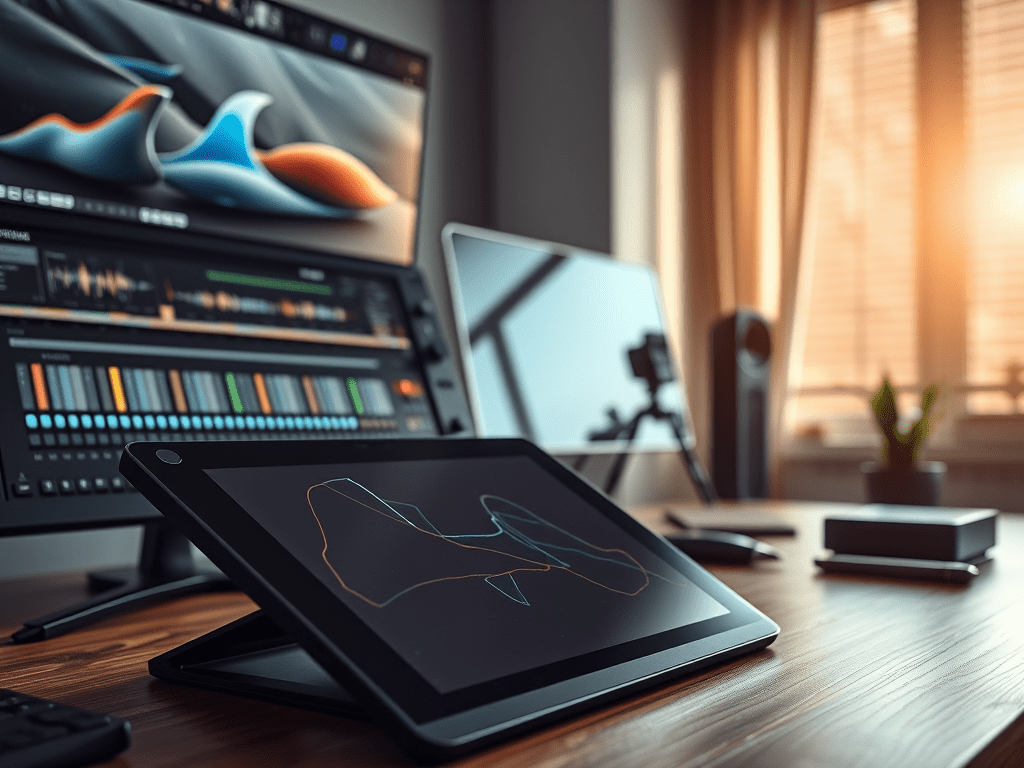
Video editing is demanding. While powerful software is essential, the right physical tools can dramatically transform your efficiency, precision, and comfort. Moving beyond just a keyboard and mouse unlocks a new level of control. Here’s a look at key external hardware that can revolutionize your editing process:
1. Drawing Tablet: Precision & Ergonomic Relief
- The Problem: Constant mouse use leads to repetitive strain injuries (like carpal tunnel) and offers imprecise control for detailed tasks like rotoscoping, frame-by-frame animation, or subtle masking.
- The Solution: A drawing tablet (like Wacom Intuos Pro, Huion Kamvas, or XP-Pen Deco).
- Benefits:
- Natural Pen Control: Offers vastly superior precision for detailed tasks. Drawing masks, keyframing curves, or painting effects feels intuitive and fluid.
- Ergonomics: Reduces wrist strain significantly. Using a pen promotes a more relaxed hand and arm position.
- Speed: Navigating timelines, trimming clips, and making adjustments often becomes faster with direct pen-to-screen (or tablet surface) control.
- Pressure Sensitivity: Essential for tasks requiring variable opacity or brush size (e.g., painting effects, rotoscoping).
- Considerations: Size matters (medium/large preferred for editing), and pen displays (where you draw directly on screen) offer the ultimate integration but at a higher cost.
2. Color Grading Panel: Unlock Speed & Nuance
- The Problem: Grading solely with a mouse or keyboard is slow, cumbersome, and lacks tactile feedback for making subtle, simultaneous adjustments to multiple parameters.
- The Solution: Dedicated color control surfaces (e.g., Tangent Ripple, Wave, or Element Panels; Blackmagic Design DaVinci Resolve Micro Panel; Loupedeck CT).
- Benefits:
- Tactile Control: Physical knobs and balls allow simultaneous adjustment of lift, gamma, gain, saturation, hue, and more. Muscle memory develops quickly.
- Blazing Speed: Achieve complex grades significantly faster than point-and-click methods. Real-time adjustments feel fluid.
- Precision & Nuance: Dedicated controls make achieving subtle, cinematic looks far easier and more intuitive.
- Focus: Removes distractions, allowing you to concentrate purely on the image.
- Considerations: Primarily designed for dedicated grading software like DaVinci Resolve. Loupedeck offers broader software compatibility but less dedicated grading focus than Tangent/Blackmagic panels. Investment level varies significantly.
3. High-Performance SSD: Eliminate Bottlenecks
- The Problem: Slow storage (HDDs, basic SSDs) is the #1 bottleneck in video editing. It causes laggy playback, slow project loading, frustrating render times, and stuttering with high-resolution/codec footage.
- The Solution: NVMe SSDs (Internal PCIe Gen 4/5 or External via Thunderbolt 3/4 or USB4/USB 3.2 Gen 2×2).
- Benefits:
- Blazing Fast Speeds: NVMe SSDs offer read/write speeds multiple times faster than SATA SSDs or HDDs. This means:
- Smooth, real-time playback of high-resolution footage (4K, 6K, 8K, RAW) without proxies.
- Drastically reduced project load and save times.
- Faster application launches and file transfers.
- Significantly quicker render and export times.
- Essential for Modern Codecs: Demanding codecs like ProRes RAW, REDCODE, or high-bitrate H.265 require NVMe speeds for smooth editing.
- Blazing Fast Speeds: NVMe SSDs offer read/write speeds multiple times faster than SATA SSDs or HDDs. This means:
- Implementation:
- Internal NVMe: The fastest option. Install directly on your motherboard (if slots/speed are available). Use for OS, apps, and active project/media.
- External NVMe (Thunderbolt/USB4): Essential for laptops or desktops needing expansion. Offers near-internal speeds. Crucial for working directly off the drive. Look for enclosures supporting 10Gbps (USB 3.2 Gen 2) or ideally 20/40Gbps (USB 3.2 Gen 2×2 / Thunderbolt 3/4/USB4). Recommended drives: Samsung T7 Shield/T9, SanDisk Extreme Pro, Crucial X9 Pro/X10 Pro, Glyph Atom Pro.
Bonus Considerations:
- Dedicated Editing Keyboards: Keyboards like the TourBox or Loupedeck Live offer programmable buttons, knobs, and dials mapped to common editing functions (play, cut, zoom, scrub), speeding up repetitive tasks. More general-purpose than a full color panel but very effective.
- High-Quality Monitors: A properly calibrated, high-resolution (4K+) monitor with good color accuracy (100% sRGB or P3) is non-negotiable for professional work, especially color grading. Consider an external reference monitor if using a laptop.
- Audio Interfaces: While not strictly “editing” hardware, a good interface and studio headphones/monitors are vital for accurate audio editing and mixing within your NLE.
Investing in Efficiency:
While software is the engine, hardware is the steering wheel, pedals, and finely tuned suspension of your editing suite. A drawing tablet saves your wrist and refines your control. A color panel makes grading intuitive and fast. High-performance SSDs remove the agonizing wait imposed by slow storage.
The Takeaway:
Don’t underestimate the power of the physical interface. Evaluate your workflow’s pain points:
- Suffering from wrist pain or struggling with precision masking? A tablet is transformative.
- Spending hours fighting with color using a mouse? A dedicated panel is a game-changer.
- Constantly waiting on playback, renders, or file transfers? NVMe SSDs are mandatory.
Investing in these targeted hardware upgrades isn’t just about buying gadgets; it’s about investing in your time, your comfort, and the quality of your final product. The efficiency gains and creative freedom they unlock are well worth it for any serious video editor.
 Wonder-Ware
Leave a comment