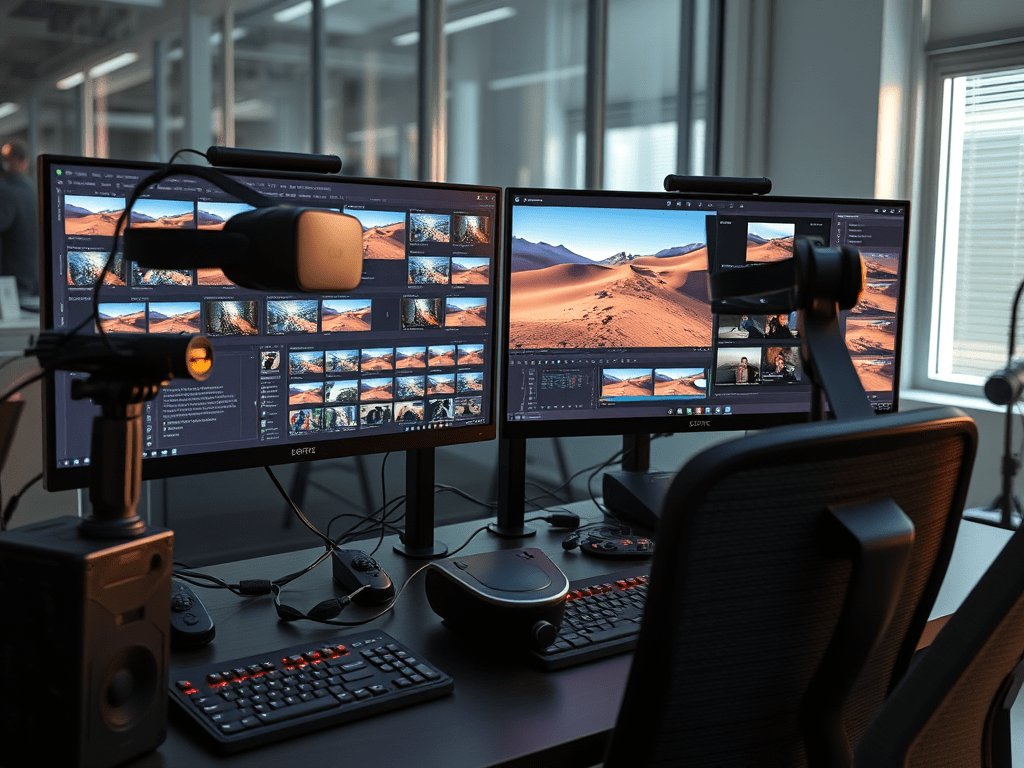
Editing VR and 360° video demands specialized tools and workflows. Unlike traditional footage, you’re crafting an environment, not just a frame. Here’s how to navigate stitching, spatial editing, and output for seamless immersive experiences.
Core Challenges in VR/360° Editing
- Stitching: Combining feeds from multi-lens cameras into a seamless sphere.
- Spatial Awareness: Guiding viewers’ attention without traditional framing.
- Workflow Weight: Massive file sizes (8K+ common) and GPU-intensive processing.
- Motion Sickness: Avoiding jarring cuts or unstable motion.
Essential Tools & Workflows
1. Stitching & Pre-Production (The Critical First Step)
- Insta360 Studio (Free):
- Best For: Insta360 camera users (X3, Pro 2, Ace Pro).
- Key Features:
- Auto-stitching with lens correction.
- FlowState stabilization (game-changer for action shots).
- Directional “Pivot Point” editing for reframing flat previews.
- Color adjustment & RAW support.
- Tip: Export “Reframed” flat proxies for easier editing in traditional NLEs.
- GoPro Player (Free):
- Best For: GoPro Max footage.
- Features: ReFrame tool for keyframed reframing, horizon leveling.
- Autopano Video Pro / Mistika VR (Pro Tier):
- Best For: Multi-cam rigs (RED, ZCam), manual stitch control.
- Use Cases: High-end productions needing pixel-perfect stitching.
2. Editing & Spatial Design (NLEs with VR Support)
- Adobe Premiere Pro:
- VR Workflow:
- Import: Detect 360° footage (Metadata > VR Properties > Set to “360”).
- View: Toggle “VR Headset Display” for real-time preview.
- Edit: Apply “VR Rotate Sphere” effect to adjust orientation/horizon.
- Graphics: Use “VR Plane to Sphere” effect for titles/overlays.
- Export: Enable “Stereo 3D” & “Spherical Metadata” in render settings.
- Plugins: Mocha VR (motion tracking in 360°), Red Giant VFX Suite.
- DaVinci Resolve (Free/Studio):
- VR Features: Native 360° workspace, spatial noise reduction, stereoscopic support.
- Advantage: GPU-optimized for smoother 8K playback.
- Final Cut Pro X:
- Plugin Solution: Use V360 or Spatial Connect plugins for 360° support.
3. Specialized VR Tools
- Spatial Audio:
- Dolby Atmos: For object-based 3D sound (Premiere Pro integration).
- Facebook 360 Spatial Workstation: Binaural audio encoding for social VR.
- VFX & Compositing:
- Mistika VR: Advanced stitching, depth mapping, 3D compositing.
- Nuke VR: Node-based VFX for 360° (film/TV pipelines).
Key Techniques for Professional Results
- Reframing & Guiding Attention:
- Use subtle motion, light, or sound cues to direct focus.
- Animate “Pivot Points” (Insta360) or keyframe “VR Rotate Sphere” (Premiere).
- Stitch Line Management:
- Hide seams in uniform areas (sky, walls).
- Avoid placing critical action near stitch lines.
- Stabilization:
- Always stabilize before editing (Insta360 FlowState, ReelSteady).
- Use “Horizon Lock” tools to prevent viewer dizziness.
- Graphics & Titles:
- Position text in “comfort zones” (lower 1/3 sphere).
- Use curved/3D text to match spherical perspective.
- Transitions & Cuts:
- Cut on motion: Viewer follows action to next scene.
- Avoid jump cuts: Use directional wipes or fade-through-black.
- Spatial Audio Design:
- Sync sounds with visual cues (e.g., bird chirp left = place audio left).
- Attenuate audio behind the viewer for realism.
Export & Delivery Settings
| Platform | Resolution | Projection | Metadata |
|---|---|---|---|
| YouTube VR | 5K-8K | Equirectangular | Spherical (Inject via Spatial Media Metadata Injector) |
| Meta (Quest) | 4K-6K | Equirectangular | Stereo 3D Top/Bottom |
| Vimeo VR | 8K | Monoscopic/Stereo | Spatial audio support |
Render Checklist:
- H.265 (HEVC) for smaller files.
- Bitrate: 50-100 Mbps for 8K.
- Inject spatial metadata before upload.
Pro Tips to Avoid Pitfalls
- Test Early: Preview on a VR headset (Quest, Pico) during edits.
- Shoot for Editing:
- Record 10s pre/post-roll for stabilization.
- Avoid touching stitch lines (e.g., tripods, shadows).
- Monoscopic vs. Stereo:
- Stereo: 3D depth (requires dual-lens rig) = 2x file size.
- Monoscopic: Single 360° image (faster workflow).
Final Thought:
Editing VR isn’t just technical—it’s about orchestrating immersion. Master stitching first, leverage AI tools for stabilization, and design spatially. As headsets evolve, these skills will define the next frontier of storytelling. Tools evolve, but the core principle remains: You’re not framing a shot—you’re shaping a world.
“The best VR edits feel invisible. The viewer forgets they’re wearing a headset—that’s your success metric.” – Industry Pro Workflow Mantra
 Wonder-Ware
Leave a comment