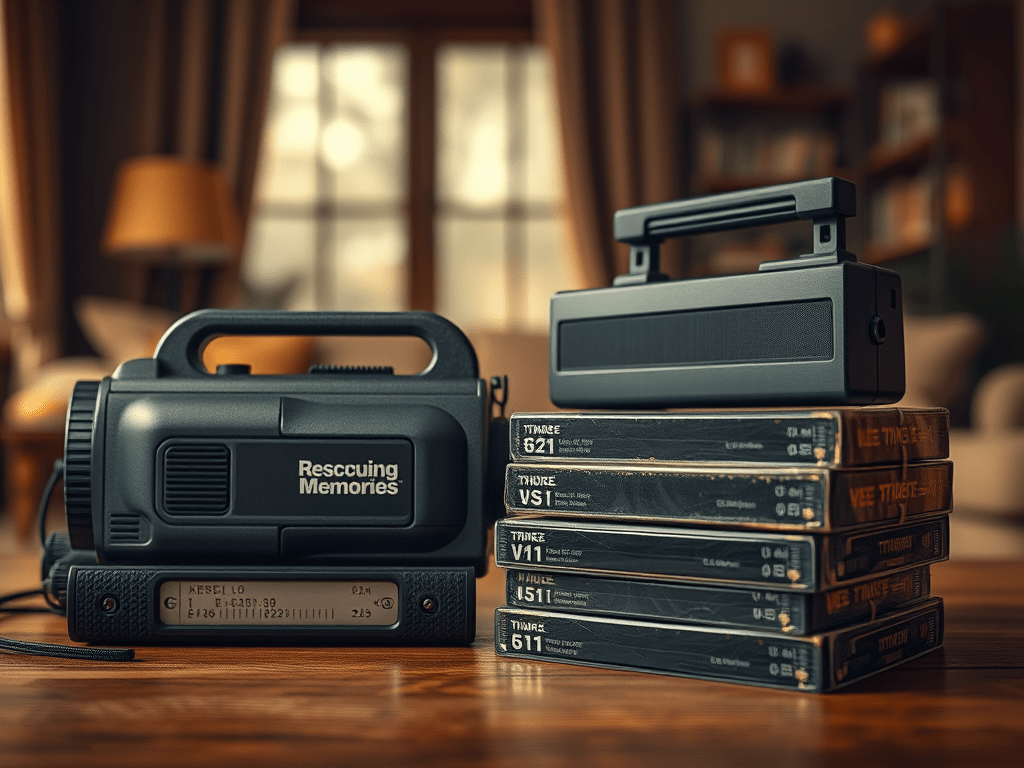
Nostalgia lives in the flickering images of old home videos—birthdays, holidays, and candid moments frozen in time. But VHS, Hi8, DV, and other analog tapes are ticking time bombs. Magnetic decay, mold, and obsolete players threaten to erase these irreplaceable memories. Digitizing them isn’t just technical; it’s an act of preservation. Here’s how to safeguard your legacy.
Why Digitize? The Urgency
- Physical decay: Tapes degrade after 10–30 years; colors fade, audio distorts.
- Tech obsolescence: VCRs and camcorders are vanishing—repairs are costly.
- Future-proofing: Digital files work on modern devices and cloud backups.
The Workflow: Step by Step
1. Gather Hardware
- Playback Device: A working VCR, Digital8, or MiniDV camcorder.
- Capture Device:
- For analog (VHS/Hi8): USB video capture adapter (e.g., Elgato Video Capture, Diamond VC500).
- For digital (MiniDV): FireWire cable + PC/Mac FireWire port (or Thunderbolt adapter).
- Cables: RCA (red/white/yellow) or S-Video for analog; FireWire for DV.
2. Choose Software
- Free Options:
- OBS Studio (Windows/macOS/Linux): Versatile for live capture.
- WinDV (Windows): Minimalist tool for FireWire DV transfer.
- Paid Suites:
- Adobe Premiere Pro: Advanced editing/restoration.
- Final Cut Pro (macOS): Seamless DV/FireWire workflow.
3. Capture Process
- Clean tapes: Fast-forward/rewind once to loosen debris.
- Optimize settings:
- Resolution: 720×480 (NTSC) or 720×576 (PAL).
- Format: MPEG-2 (smaller size) or lossless AVI (higher quality).
- Record: Play tape → capture via software. Never pause/resume—record full tapes continuously.
4. Edit & Restore
- Trim clips: Remove blank sections.
- Enhance quality:
- Deinterlace: Fix “combing” artifacts (HandBrake or editing software).
- Color correction: Adjust faded hues (DaVinci Resolve).
- Reduce noise: Tools like Topaz Video AI.
5. Export & Store
- Format: H.264 (MP4) balances quality/size.
- Backup: Save to 3 locations (external drive, cloud, NAS).
- Share: Create DVDs, USB archives, or private YouTube links.
Pitfalls to Avoid
- “All-in-one” USB converters: Cheap dongles often compress footage poorly.
- Ignoring audio: Sync issues? Capture audio separately via Audacity.
- Overcleaning: Isopropyl alcohol damages tapes; use dry microfibre cloths.
Embrace the Journey
Digitizing tapes is laborious—but profoundly rewarding. As filmmaker Martin Scorsese notes, “Preservation is about the future as much as the past.” Each restored clip is a bridge between generations. Start small: prioritize your most precious tapes. With every glimmering frame rescued, you’re not just converting data—you’re reclaiming time.
Key Takeaways:
- ✔️ Act now: Tapes deteriorate faster each year.
- ✔️ Quality matters: Invest in reliable hardware.
- ✔️ Backup religiously: 3-2-1 rule (3 copies, 2 media types, 1 offsite).
- ✔️ Restore wisely: Focus on stabilization/color—avoid AI “enhancements” that distort authenticity.
“Memories fade, but digital ones can outlive us.”
 Wonder-Ware
Leave a comment