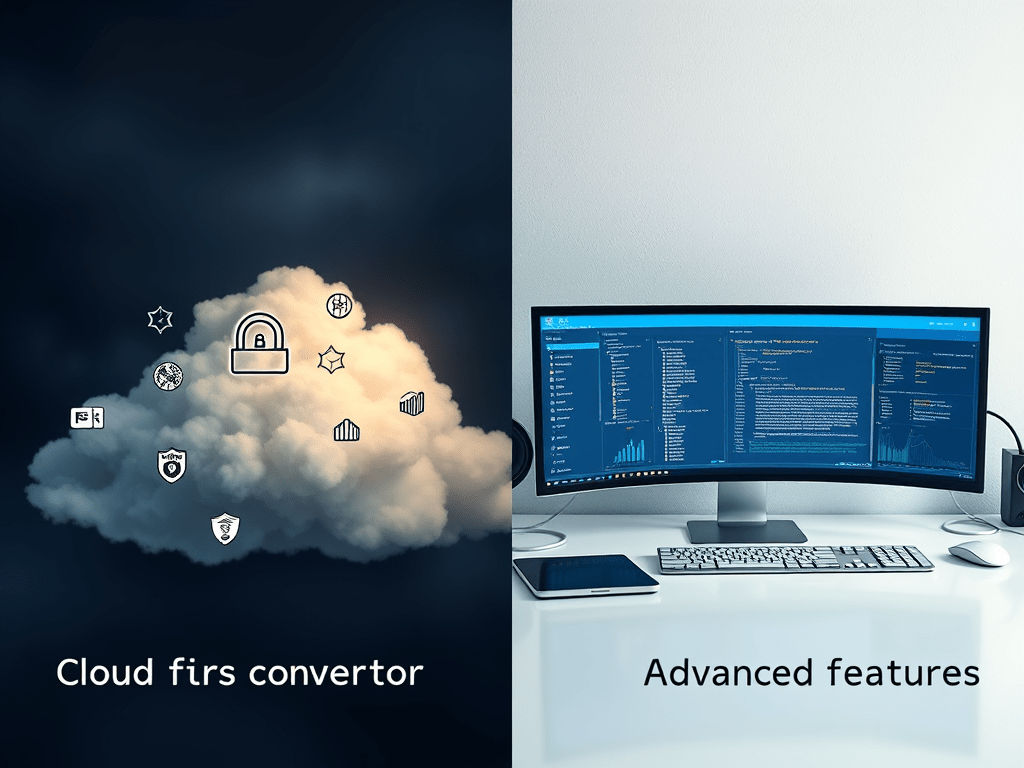
The rise of cloud-based media converters promises instant access without installations, but critical trade-offs in security, speed, and functionality reveal desktop software remains superior for serious workflows. Here’s why:
🔒 Privacy: The Elephant in the Room
Uploading files to online converters is a data minefield:
- Ownership Loss: Once uploaded, videos may be stored, scanned, or monetized per vague ToS (e.g., “We retain rights to analyze your content”).
- Breach Vulnerability: 62% of cloud services lack end-to-end encryption (McAfee 2023 Report), exposing raw video to interception.
- Compliance Fail: Healthcare/legal videos violate GDPR/HIPAA when processed via unvetted third parties.
Desktop Wins: Zero uploads = zero exposure. Processing stays on-device.
⚡ Speed: When “Instant” Isn’t Instant
Cloud tools market “real-time” conversion but face hard limits:
- Bandwidth Jail: Uploading a 4GB video takes 25+ minutes on 20Mbps internet before conversion even starts.
- Server Queues: Free tiers prioritize paid users—your 5-minute conversion takes 45 minutes at peak hours.
- Output Bottlenecks: Downloading large results repeats upload delays.
Desktop Wins: Direct hardware access converts 4K video 3–5× faster (local SSD/RAM leverage).
🛠 Features: The Illusion of Versatility
Cloud converters simplify basics but collapse under complexity:
- No Batch Power: Few support >10 files per job; no folder monitoring automation.
- Editing Blindspots: Can’t remove watermarks, splice clips, or adjust bitrate mid-conversion.
- Format Gaps: Limited to MP4/MOV; no ProRes, DNxHD, or HEVC depth.
Desktop Wins: Frame-by-frame editing, custom codecs, and automated pipelines.
The Verdict
| Use Case | Cloud Converter | Desktop Software |
|---|---|---|
| Security | ❌ High-risk | ✅ Zero data leave PC |
| 4K Video Speed | ❌ 30–90 mins | ✅ 5–15 mins |
| Advanced Features | ❌ Basic only | ✅ Custom workflows |
| Offline Use | ❌ Never | ✅ Always |
Professionals choose desktop: When privacy is non-negotiable, time is money, and quality matters, offline software delivers control cloud tools can’t replicate. For personal, non-sensitive clips? Cloud might suffice. For all else: keep it local.
“Convenience isn’t free—you pay with your data.” — TechSecurity Weekly
 Wonder-Ware
Leave a comment