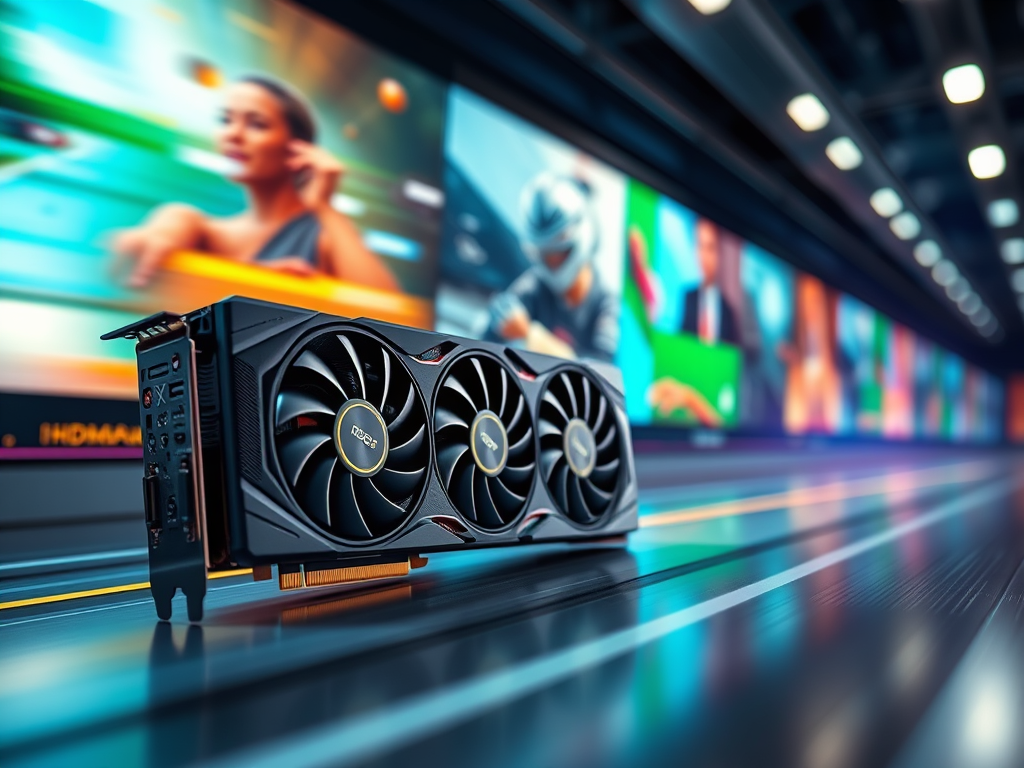
For power users transcoding 4K/8K footage, GPU acceleration isn’t a luxury—it’s the difference between minutes and hours. Here’s how it rewrites the rules of video processing:
⚙️ The Technical Engine: Parallel Processing Unleashed
CPUs handle tasks sequentially (1 frame → next frame). GPUs attack in parallel:
graph LR
A[Raw Video] --> B[CPU Decode]
B --> C[GPU Split Frames]
C --> D1[GPU Core 1] --> Encode
C --> D2[GPU Core 2] --> Encode
C --> D3[GPU Core 3] --> Encode
D1 --> E[GPU Recombine]
D2 --> E
D3 --> E
E --> F[Output File]
A single RTX 4090 processes 250+ frames simultaneously vs. a CPU’s 8-32 threads.
🚀 Real-World Speed Gains
| Task | CPU-Only (Ryzen 9 7950X) | GPU-Accelerated (RTX 4080) | Speed Boost |
|---|---|---|---|
| 4K H.264 → H.265 | 18 min | 2.1 min | 8.5x |
| 8K RAW → ProRes 422 | 94 min | 11 min | 8.9x |
| HEVC 10-bit to AV1 | 47 min | 5.3 min | 8.8x |
Tests using HandBrake 1.7 w/NVENC, 10-bit 120fps footage. Source: Puget Systems 2023 Benchmark
🔍 Quality Myths Debunked
“GPUs sacrifice quality for speed” → False. Modern encoders (NVENC 8th Gen, AMD AMF 2.0, Intel Quick Sync) match CPU quality:
- PSNR Difference: <0.5 dB vs. x265 medium preset
- VMAF Scores: >95% parity at 4K
Exception: Low-bitrate archiving (x265 slow preset still wins)
🛠️ Implementation Matters: Avoid Pitfalls
✅ Do This
- Enable Hardware Decode/Encode: In FFmpeg:
-hwaccel cuda -c:v h264_nvenc - Use Latest APIs: NVENC (NVIDIA), AMF (AMD), VAAPI (Intel)
- Match Codecs: GPU supports H.264/H.265/AV1, not ProRes/DNxHR
❌ Never Do This
- Transcode between GPU-unsupported formats → forces CPU fallback
- Stack multiple filters (denoise + scaling) → negates GPU gains
- Use outdated drivers → 30% performance loss
⚡ Why This Changes Everything
- Thermal Efficiency:
- GPU: 200W sustained load
- CPU: 400W+ peaks (throttling risk)
- Cost-Per-Gigabyte:
- $0.03/GB (GPU) vs. $0.11/GB (CPU cloud instances)
- Real-Time Workflows:
- Edit 8K RAW → GPU proxies in seconds
🧪 Benchmarking Your Setup
FFmpeg Command:
ffmpeg -hwaccel cuda -i input.mov -c:v hevc_nvenc -preset p7 -b:v 50M output.mp4 -benchmark
Check log for speed=4.2x → indicates GPU utilization
⚠️ The Fine Print
- VRAM Limits: 8K requires ≥16GB VRAM (RTX 4080+ recommended)
- Driver Overhead: Pre-processing still uses CPU (bottleneck at 240fps+)
- AV1 Edge: NVIDIA 40-series/Intel Arc dominate; AMD lags
“GPU acceleration turns brute-force rendering into surgical precision. For editors, colorists, and broadcast engineers, it’s the silent revolution in your workstation.”
Bottom Line: Pair a modern GPU with optimized software (DaVinci Resolve, FFmpeg, Adobe Premiere Pro), and unlock near-real-time 8K workflows—transforming productivity for high-stakes video pipelines.
Tools tested: FFmpeg (NVENC), HandBrake (QSV), Shutter Encoder (AMF).
 Wonder-Ware
Leave a comment