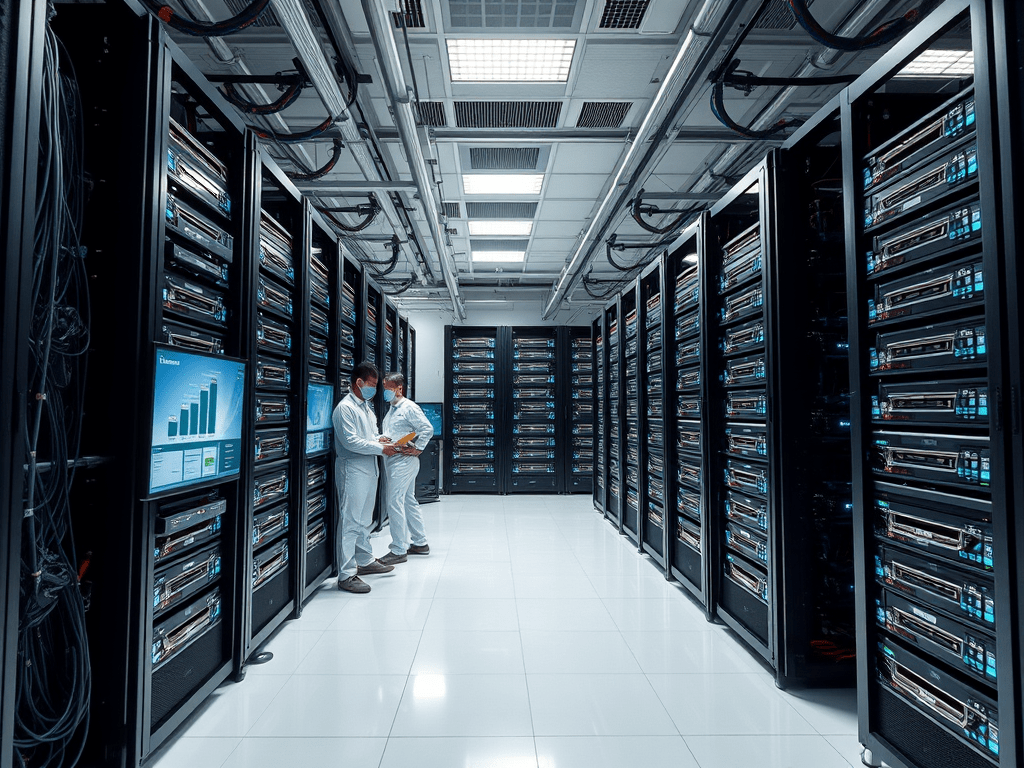
In the enterprise world, RAID arrays are the bedrock of storage, providing redundancy, performance, and capacity. Cloning these complex structures isn’t merely copying disks; it’s a critical operation for hardware refresh, disaster recovery testing, workload migration, or deploying identical production environments. Executed poorly, it leads to extended downtime, data corruption, or failed recoveries. Success demands specialized strategies beyond simple disk duplication.
Why RAID Cloning is Fundamentally Different
- Hardware/Software Abstraction: The RAID controller (hardware) or software layer presents logical volumes (LVs) to the OS, masking the physical disk layout (stripes, mirrors, parity). Cloning just the physical disks often ignores this mapping, leading to unbootable or inaccessible volumes on the target.
- Complex Configurations: Enterprise arrays involve multiple RAID levels (e.g., RAID 10 for VMs, RAID 6 for archives), hot spares, caching policies, and potentially tiered storage. Capturing this metadata is crucial.
- Performance & Uptime Constraints: Enterprises demand minimal downtime. Offline cloning is often unacceptable, necessitating online/hot cloning techniques.
- Scale and Verification: Cloning multi-terabyte/petabyte arrays takes time. Ensuring bit-for-bit accuracy and testing restorability is non-negotiable.
- Controller Dependence: Hardware RAID clones are often tied to compatible (sometimes identical) controller models/firmware.
Core Enterprise RAID Cloning Strategies
- Logical Volume Manager (LVM) / Filesystem-Level Cloning (Software & Hardware RAID):
- How: Use OS or hypervisor tools (
ddcautiously,xfs_copy,btrfs send/receive, ZFS replication/send, VMware Storage vMotion, Hyper-V Live Migration) to clone the mounted logical volumes or filesystems. - Pros: Agnostic to underlying RAID hardware; focuses on usable data; often supports online cloning; efficient (can copy only allocated blocks).
- Cons: Doesn’t clone boot sectors/partition tables directly (needs separate handling); requires OS to be running; target must have compatible FS/LVM support; slower than block-level for full copies.
- Best For: Migrating data volumes (non-OS), creating test/dev copies, leveraging storage efficiency features (dedupe, compression during clone).
- How: Use OS or hypervisor tools (
- Controller-Based Replication / Virtual Disk Cloning (Hardware RAID):
- How: Utilize the RAID controller’s advanced features:
- Snapshot & Clone: Create a point-in-time snapshot of the source Virtual Disk (VD), then clone the snapshot to another VD (on same or different array).
- Controller-Based Replication: Features like Dell PERC’s “Virtual Disk Copy,” HPE Smart Array’s “Clone,” LSI/Broadcom’s “Snapshot RAID Volume” or vendor-specific replication (e.g., Dell Live Volume, HPE Peer Persistence for cross-controller).
- Pros: Near-zero downtime (online operation); leverages controller intelligence; clones VD metadata, configuration, and boot sectors perfectly; usually fast and reliable.
- Cons: Requires identical or highly compatible controllers; often needs same array or controller family; licensed feature on many platforms; target VD must be same size or larger.
- Best For: Hardware refresh (like-for-like controller), creating bootable clones for DR, rapid deployment of identical server storage configs.
- How: Utilize the RAID controller’s advanced features:
- Block-Level Cloning (Physical Disks):
- How: Use enterprise-grade tools (Clonezilla Enterprise, Acronis Cyber Backup, Veeam Backup & Replication, vendor-specific utilities) to perform sector-by-sector copies of the physical disks comprising the array. Requires understanding disk order and RAID geometry.
- Pros: Captures everything – partition tables, boot sectors, hidden metadata, unused space. Can work across dissimilar hardware if RAID geometry is identical.
- Cons: Typically requires array to be offline (downtime); extremely slow for large arrays; requires target disks of exactly same size or larger; critically dependent on recreating identical RAID structure on target controller; high risk if disk order/geometry differs.
- Best For: Bare-metal recovery to identical hardware, forensic preservation, migrating very simple RAID 1 (mirror) where disk order is trivial. Use with extreme caution for complex RAID levels.
- Hypervisor/Storage Array Replication:
- How: If the server is virtualized, leverage hypervisor-level replication (vSphere Replication, Hyper-V Replica) or storage array-based replication (SAN snapshots, clones, remote replication like SRDF, TrueCopy, or array-native async/sync copy).
- Pros: Application-consistent clones; minimal host overhead; leverages storage infrastructure; often enables fast DR testing and migration.
- Cons: Requires compatible hypervisor/storage; clones the entire VM disk (VMDK/VHD), not necessarily the underlying RAID structure visible to the guest OS; complexity at the storage layer.
- Best For: Virtualized environments, DR site failover testing, migrating VMs between storage platforms.
Critical Enterprise Best Practices
- Document Rigorously: Before cloning, fully document the source RAID configuration: Controller model/firmware, RAID level, disk order, stripe size, VD configuration, partition layout, filesystem(s). This is essential for target reconstruction.
- Choose the Right Strategy: Match the strategy to the goal (DR, migration, testing) and constraints (downtime window, hardware compatibility, budget). Controller-based cloning is often preferred for boot/system drives; LVM/FS-level for data migration.
- Validate Source Health: Ensure the source array is healthy (no degraded VD, pending sector errors) before cloning. A clone of a failing array inherits problems.
- Test Restorability RELIGIOUSLY:The clone is useless unless tested. Restore to target hardware in an isolated environment and verify:
- Bootability (for OS volumes).
- Filesystem integrity (
fsck,chkdsk). - Application functionality and data consistency.
- Performance meets expectations.
- Manage Target Configuration: Ensure target controller firmware is compatible and updated. Recreate RAID configuration exactly as documented before restoring block-level clones. Pre-configure LVM/FS targets appropriately.
- Schedule Strategically: Plan cloning during approved maintenance windows, especially for offline methods. Communicate impact clearly.
- Leverage Vendor Tools: Always prioritize RAID controller vendor utilities for controller-based operations. They understand their metadata best.
- Consider the Cloud (Hybrid): For DR or migration, cloud storage gateways or services supporting physical/virtual server ingestion can be targets for LVM/FS-level clones or replicated VMs.
Conclusion: Precision Over Speed
Enterprise RAID cloning transcends simple data copy. It’s a surgical procedure requiring deep understanding of the storage stack, careful planning, meticulous documentation, and rigorous testing. While logical volume or hypervisor-level cloning offers flexibility and online capabilities, controller-based replication often provides the most reliable path for bootable system clones on like-for-like hardware. Block-level cloning remains a powerful but high-risk option demanding perfect reconstruction. By adopting disciplined strategies focused on configuration fidelity and comprehensive validation, enterprises can execute RAID array cloning confidently, ensuring smooth migrations, robust disaster recovery readiness, and operational continuity. Remember, the goal isn’t just a copy; it’s a fully functional, immediately usable asset.
 Wonder-Ware
Leave a comment