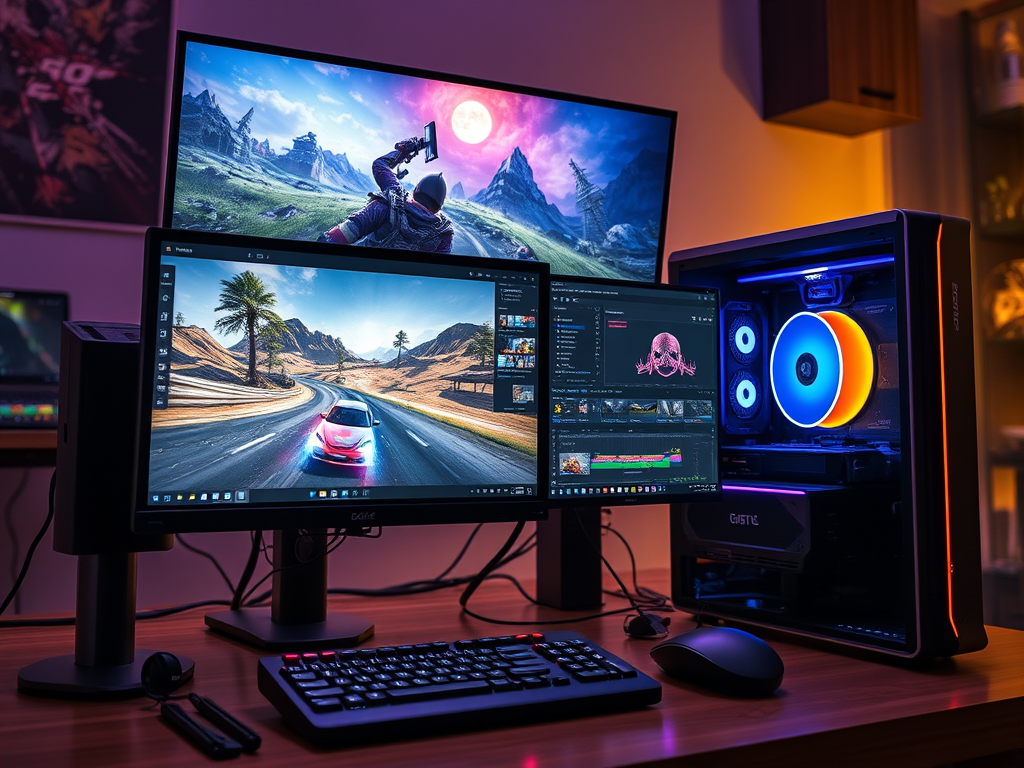
Game video editing demands significantly more computing power than regular video editing or gaming alone. The combination of processing high-resolution gameplay footage, applying effects, and rendering final videos requires careful consideration of each component in your editing workstation. This guide will help you choose the right computer components for smooth and efficient game video editing.
The CPU: The Brain of Your Editing Rig
The Central Processing Unit (CPU) handles most tasks in video editing, including timeline responsiveness, effects processing, and final encoding.
Recommended Specifications:
- Minimum: 6-core processor (Intel i5-12600K or AMD Ryzen 5 5600X)
- Recommended: 8-12 core processor (Intel i7-13700K or AMD Ryzen 7 7800X3D)
- Ideal: 16+ core processor (Intel i9-13900K or AMD Ryzen 9 7950X)
Why it matters: More cores allow for faster rendering and better multitasking. Many editing applications now leverage multiple cores efficiently during export processes. For game video editing, where you might be running recording software, the game itself, and editing software simultaneously, additional cores provide crucial headroom.
The GPU: Accelerating Effects and Playback
The Graphics Processing Unit (GPU) accelerates effects rendering, color grading, and provides smooth timeline playback, especially at higher resolutions.
Recommended Specifications:
- Minimum: NVIDIA RTX 3060 or AMD Radeon RX 6700 XT (12GB VRAM)
- Recommended: NVIDIA RTX 4070 Ti or AMD Radeon RX 7900 XT (16GB+ VRAM)
- Ideal: NVIDIA RTX 4080/4090 or AMD Radeon RX 7900 XTX (20GB+ VRAM)
Why it matters: Modern editing software increasingly uses GPU acceleration for effects, transitions, and encoding. More VRAM allows for working with higher resolution footage and complex effects without slowdowns. NVIDIA cards typically have better support for hardware encoding (NVENC), which is valuable for streamers and content creators.
RAM: Keeping Everything Running Smoothly
Random Access Memory (RAM) determines how much footage and how many applications you can work with simultaneously without performance issues.
Recommended Specifications:
- Minimum: 16GB DDR4/DDR5
- Recommended: 32GB DDR4/DDR5
- Ideal: 64GB+ DDR5
Why it matters: Game video editing often involves working with large video files—4K gameplay footage can consume 2-4GB of RAM per hour of footage. More RAM allows for smoother editing with multiple applications open and prevents frustrating crashes when working with complex projects.
Storage: Speed and Capacity Matters
Your storage configuration significantly impacts how quickly you can access footage and how much you can keep on hand.
Recommended Setup:
- OS and Applications: 500GB-1TB NVMe SSD
- Active Projects and Cache: 1-2TB NVMe SSD
- Footage Storage: 2-4TB SATA SSD or high-speed HDD
- Archive: 8TB+ HDD or network-attached storage
Why it matters: Fast SSDs dramatically improve timeline performance and file transfer speeds. Keeping your operating system, editing software, active project files, and cache on separate fast drives prevents bottlenecks. For game video editing, where file sizes are substantial (a few hours of 4K gameplay can exceed 100GB), both speed and capacity are crucial.
Putting It All Together: Sample Configurations
Budget Build (~$1,200-1,500)
- CPU: AMD Ryzen 5 7600X
- GPU: NVIDIA RTX 4060 (12GB)
- RAM: 32GB DDR5
- Storage: 1TB NVMe SSD + 2TB SATA SSD
Recommended Build (~$2,000-2,800)
- CPU: Intel i7-13700K or AMD Ryzen 7 7800X3D
- GPU: NVIDIA RTX 4070 Ti (12GB) or AMD Radeon RX 7900 XT (20GB)
- RAM: 64GB DDR5
- Storage: 2TB NVMe SSD + 4TB SATA SSD + 8TB HDD
Professional Build ($3,500+)
- CPU: Intel i9-13900K or AMD Ryzen 9 7950X
- GPU: NVIDIA RTX 4090 (24GB) or AMD Radeon RX 7900 XTX (24GB)
- RAM: 128GB DDR5
- Storage: Dual 2TB NVMe SSDs (RAID 0) + 8TB SATA SSD + 16TB HDD array
Additional Considerations
Cooling: Video editing pushes your components hard for extended periods. Invest in quality cooling solutions to prevent thermal throttling.
Power Supply: Don’t skimp on your PSU. Choose a reputable brand with at least 80 Plus Gold rating and sufficient wattage for your components with some headroom.
Peripherals: While not directly affecting editing performance, a color-accurate monitor (preferably 4K) and comfortable input devices will improve your editing experience.
Software Considerations
Different editing applications have varying hardware optimizations:
- Adobe Premiere Pro: Benefits from both strong CPU and GPU, with particular optimization for NVIDIA cards
- DaVinci Resolve: Heavily GPU-dependent, especially for color grading
- Final Cut Pro: (Mac only) Optimized for Apple’s hardware ecosystem
Future-Proofing Your Investment
When building or buying an editing computer, consider planning for at least 3-4 years of usability. Focus on components that offer good upgrade paths, like a motherboard with extra RAM slots and multiple PCIe slots for additional storage.
Remember that the ideal configuration depends on your specific needs, including the types of games you record, your target output resolution, and the complexity of your edits. Invest most in the components that will provide the biggest performance boost for your particular workflow.
By carefully selecting each component based on these guidelines, you’ll create a editing workstation capable of handling even the most demanding game video projects efficiently.
 Wonder-Ware
Leave a comment