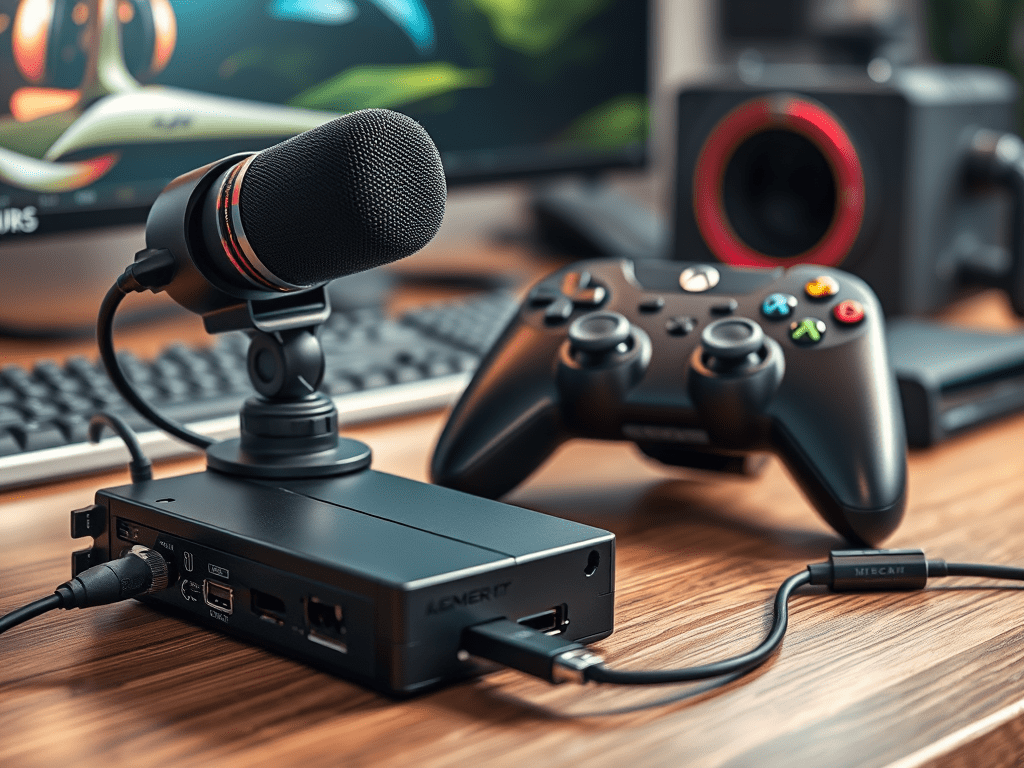
The world of game recording and content creation is more accessible than ever. While powerful software like OBS is the brain of the operation, the true muscle comes from the hardware you use. To produce high-quality, engaging content that stands out, you need more than just a gaming PC or console. Here’s a breakdown of the three essential peripherals that will elevate your game recordings from simple clips to professional-grade content.
1. The Heart of the Setup: Capture Cards
A capture card is the most critical piece of hardware for any recorder. It is the dedicated device responsible for acquiring your raw gameplay footage, ensuring it’s recorded smoothly and at the highest possible quality without taxing your gaming system.
- What it Does: Essentially, a capture card acts as a middleman. For console gamers (PlayStation, Xbox, Nintendo Switch), you pass the HDMI signal from your console through the capture card, which then sends a clean feed to your PC for recording and a lag-free feed to your monitor for playing. For PC gamers, it allows a second, dedicated computer to handle the intense processing of encoding, freeing up the main gaming rig’s resources for maximum performance.
- Key Considerations:
- Internal vs. External: Internal cards (PCIe) are installed inside a desktop PC and generally offer the highest performance and lowest latency. External cards (USB) are portable, work with laptops, and are incredibly user-friendly.
- Passthrough Support: Ensure the card supports high-quality passthrough (e.g., 4K60 HDR) so you can game comfortably on your monitor while it captures.
- Popular Brands: Elgato (e.g., HD60 X, 4K60 Pro), AVerMedia (e.g., Live Gamer series), and EVGA are industry leaders.
Without a reliable capture card, you’re left with compromised quality, screen tearing, and performance hiccups. It’s the non-negotiable foundation of a serious recording setup.
2. The Voice of Your Content: Microphones
Crystal clear gameplay is expected; crystal clear commentary is what pulls an audience in. Viewers will forgive a slightly lower video bitrate, but they will quickly click away from poor, muffled, or echoing audio. Your microphone is your direct connection to your audience.
- Why It Matters: Great audio quality conveys professionalism and personality. It allows for clear commentary, energetic reactions, and crisp communication with teammates. Good audio is arguably more important than good video for viewer retention.
- Types of Microphones:
- USB Microphones: The best choice for beginners and many intermediates. They are plug-and-play, requiring no extra equipment. Examples include the Blue Yeti, Rode NT-USB, and HyperX QuadCast.
- XLR Microphones: The professional standard. These mics require an external audio interface or mixer but offer superior sound quality, greater customization, and more flexibility for future upgrades. Popular choices are the Shure SM7B, Rode Procaster, and Audio-Technica AT2020.
- Key Accessories: Don’t forget a boom arm to position the mic perfectly and a pop filter to eliminate harsh “plosive” sounds (like ‘p’ and ‘b’ sounds). These are essential for comfort and audio clarity.
Investing in a quality microphone and learning basic audio editing (like compression and noise gates) will provide the greatest return on investment for your content’s perceived quality.
3. The Interface of Control: Specialized Controllers
While the standard controller that comes with your console is perfectly functional, specialized controllers can enhance both your performance and the viewing experience.
- Performance Advantages:
- Pro Controllers (e.g., Xbox Elite, SCUF, Razer Wolverine): These offer customizable buttons, trigger stops, and rear paddles. This allows for actions like jumping, sliding, or reloading to be performed without taking your thumbs off the analog sticks, providing a significant competitive edge. This improved gameplay directly results in more impressive footage to record.
- Arcade Sticks & Fight Pads: Essential for fighting game enthusiasts, these peripherals provide the precise, tactile inputs needed to execute complex combos reliably.
- Creative & Accessibility Advantages:
- Stream Decks: While not a controller in the traditional sense, devices like the Elgato Stream Deck are game-changers for recording. They allow you to trigger scene changes, start/stop recordings, play sounds, and more with the press of a customizable button, making your production seamless and professional.
Using a controller tailored to your genre of game doesn’t just make you better; it makes your content more dynamic and fun to watch.
Conclusion: A Synergy of Gear
Building a successful game recording setup is about understanding the synergy between these core peripherals. The capture card faithfully grabs your high-fidelity gameplay. The microphone captures your unique personality and commentary. The controller gives you the precision to create that exciting gameplay in the first place.
By investing wisely in these three areas, you equip yourself with the essential tools to not only record your gaming sessions but to create compelling content that captivates and grows an audience.
 Wonder-Ware
Leave a comment