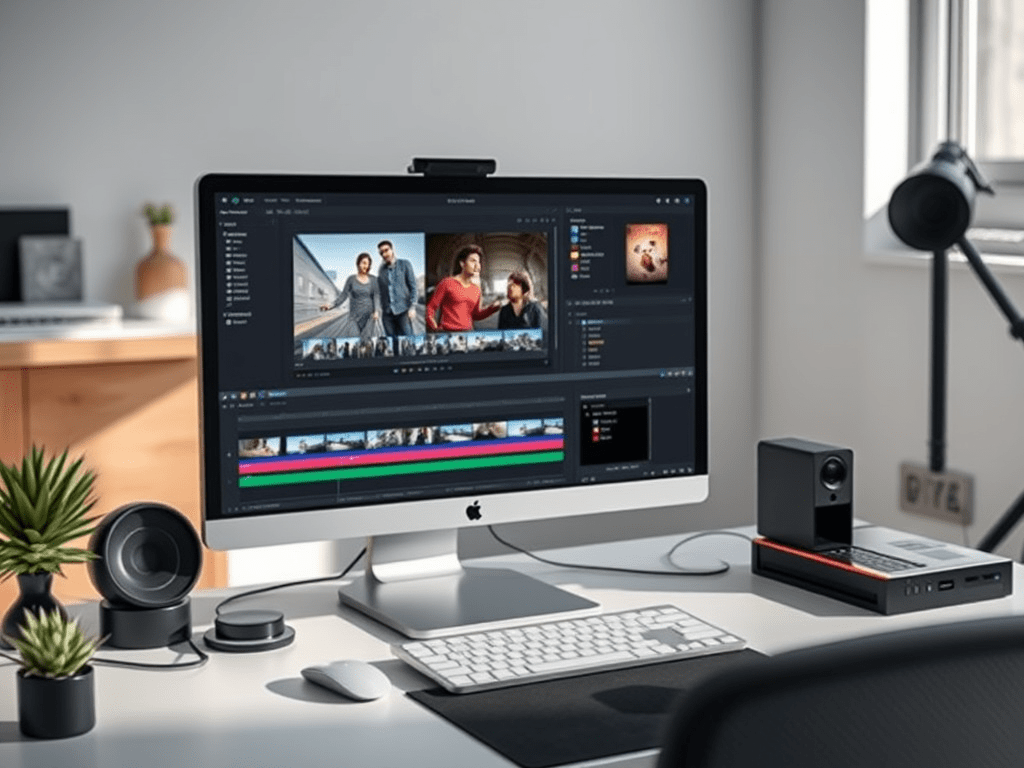
In the world of video editing, transitions are the punctuation marks between your visual sentences. While flashy, complex effects can be tempting, it’s the basic transitions—the cut, the fade, the dissolve, and the wipe—that form the bedrock of effective storytelling. Knowing when and how to use them is what separates a disjointed slideshow from a smooth, professional narrative.
The Philosophy: Serve the Story, Not the Software
The golden rule of transitions is simple: the best transition is often the one the audience doesn’t notice. Transitions should feel intuitive and natural, guiding the viewer’s emotion and attention without pulling them out of the experience. Their primary purpose is to create a logical flow, indicate a passage of time, or signal a change in location or topic.
Let’s break down the core basic transitions and their most effective uses.
1. The Cut: The Invisible Workhorse
- What it is: The most fundamental transition, where one clip instantly ends and the next begins.
- When to use it:
- Within a scene: To change angles or perspectives (e.g., from a wide shot to a close-up) while maintaining continuous action.
- To create pace: Quick cuts build energy, tension, or excitement (think action sequences or music videos). Longer cuts allow a moment to breathe and create a more contemplative mood.
- For most standard edits: Over 99% of edits in a typical film or documentary are simple cuts. They are the default because they are seamless.
- How to use it effectively: Ensure the action or dialogue flows smoothly from one clip to the next (this is called cutting on action). The cut should feel natural and not jarring unless that is the specific intent.
2. The Fade: The Master of Beginnings and Endings
- What it is: A gradual change to or from a solid color, most commonly black.
- Fade In (from black): The screen starts black and gradually brightens to reveal the image.
- Fade Out (to black): The image gradually dims to black.
- When to use it:
- To start or end a video: This is the standard way to open and close a film, segment, or chapter. It signals a definitive beginning or end.
- To indicate a significant passage of time: A fade out and fade in can suggest that hours, days, or even years have passed.
- To create a feeling of finality or melancholy: Fading to black often provides a somber, thoughtful conclusion to a scene.
- How to use it effectively: Keep the duration relatively short (1-2 seconds). A very slow fade can feel draggy unless used for a specific dramatic effect.
3. The Dissolve (or Crossfade): The Gentle Connector
- What it is: As the first clip gradually fades out, the next clip simultaneously fades in. For a moment, both clips are visible on screen, overlapping.
- When to use it:
- To indicate a softer passage of time: A dissolve suggests a shorter, more graceful transition of time than a fade. It might show a character starting a journey in one location and arriving in another.
- To create a connection between ideas: Dissolving between two related but different scenes (e.g., a shot of a worried face dissolving to a shot of a stormy sky) can thematically link them.
- To create a dreamy, nostalgic, or romantic mood: The blending of images feels less abrupt and more lyrical than a cut.
- How to use it effectively: Use dissolves sparingly. Overuse can make a video feel dated or slow. The standard duration is also around 1-2 seconds.
4. The Wipe: The Dynamic Changer
- What it is: One clip pushes the previous clip off the screen in a defined geometric pattern (e.g., from left to right, top to bottom, or in a shape like a star or heart).
- When to use it:
- To convey energy and movement: Wipes are more noticeable and can add a dynamic, fun feel.
- To show a change in location or perspective: A wipe can visually “push” the old scene away to reveal the new one, making the change clear and graphic.
- In specific contexts: They are a staple of vlogs, news packages, and corporate videos to separate distinct sections. They are also famously used in the Star Wars franchise to create a classic, serialized adventure feel.
- How to use it effectively: Use wipes with intention and consistency. Choose a direction that makes sense (e.g., a wipe to the right can imply moving forward). Avoid using too many different wipe styles in one project, as it can look messy and amateurish.
Best Practices and Common Pitfalls to Avoid
- Less is More: The most common mistake beginners make is overusing fancy transitions. If every edit is a spin, flip, or morph, it becomes distracting and exhausting for the viewer. Let your content be the star.
- Consistency is Key: Establish a visual language for your project. If you use a specific dissolve to indicate time passing, stick with it. Don’t randomly switch between a dissolve, a dip to black, and a wipe for the same narrative purpose.
- Match the Tone: A fast-paced whip pan transition fits a travel montage but would be completely out of place in a solemn documentary. Ensure your transition style matches the emotion and rhythm of your video.
- Timing is Everything: The duration of your transition matters. A half-second dissolve feels very different from a four-second one. Adjust the speed to match the pacing of your edit.
Conclusion
Mastering basic transitions is not about learning which button to click in your editing software; it’s about understanding the subtle language of visual storytelling. By using the humble cut, fade, dissolve, and wipe with purpose and restraint, you can guide your audience effortlessly through your narrative, ensuring that your story—not your effects—remains the central focus. Remember, effective editing is felt, not seen.
 Wonder-Ware
Leave a comment