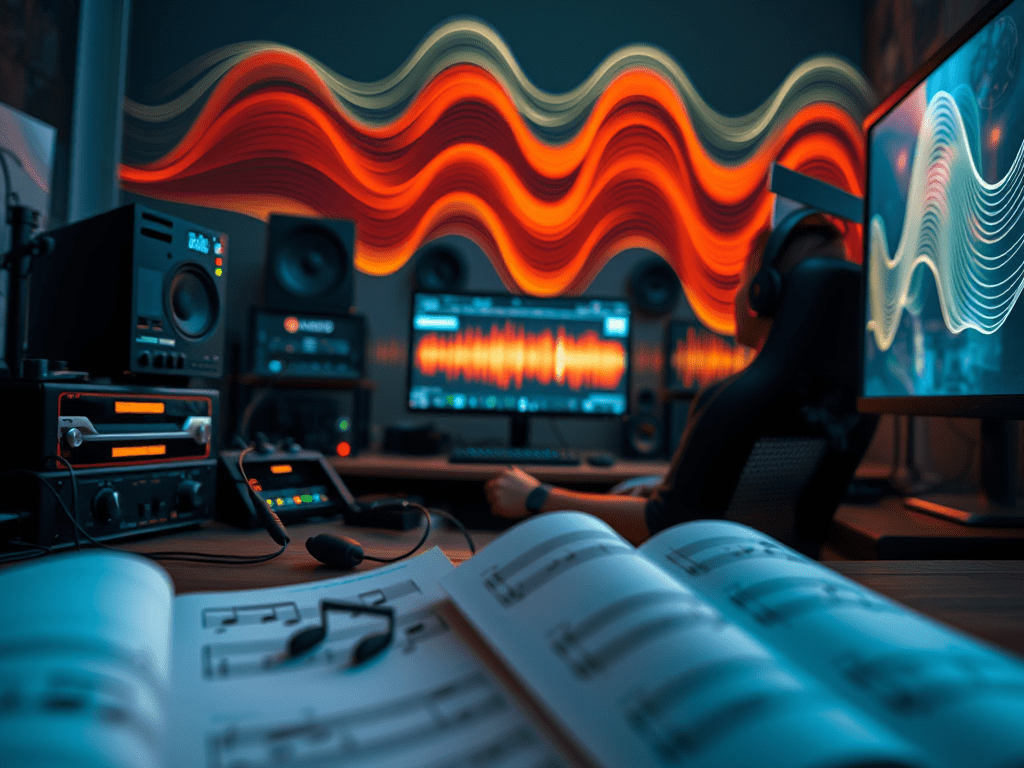
Creating a compelling game video—whether it’s a high-octane montage, a detailed walkthrough, or a hilarious clip—relies on more than just gameplay and commentary. The right background music (BGM) is the invisible engine that drives emotion, reinforces pacing, and defines your channel’s brand. However, navigating the legal and creative challenges of sourcing and using music can be tricky.
This guide will walk you through the process of finding the perfect soundtrack and implementing it like a pro.
Part 1: Sourcing Music – Navigating the Legal Landscape
The most critical rule is this: You cannot use just any song you like. Using copyrighted music without permission will likely get your video flagged, muted, or demonetized on platforms like YouTube and Twitch. Instead, explore these safe and legal options.
1. Royalty-Free Music Libraries (The Gold Standard)
“Royalty-free” does not mean “free.” It means you pay a one-time fee (or subscribe) for a license to use the music without paying ongoing royalties per view or use. These libraries are the primary source for most creators.
- Paid Libraries: Services like Artlist, Epidemic Sound, Musicbed, and Soundstripe offer vast, high-quality catalogs. Their licenses are straightforward, often covering use on all major platforms, and they provide a necessary license key to prove you have the rights.
- Free Libraries: Excellent options exist for creators on a budget.
- YouTube Audio Library: A fantastic starting point within YouTube Studio. It offers a solid collection of tracks and sound effects you can use for free, with some even requiring no attribution.
- Creator-Focused Platforms: Sites like StreamBeats by Harris Heller offer completely free, copyright-safe music designed specifically for streamers and video creators.
2. Creative Commons (CC) Licensed Music
Many artists release their work under Creative Commons licenses on platforms like SoundCloud or BandCamp. Always check the specific license terms carefully. The most common requirement is:
- Attribution (CC BY): You must credit the artist in your video description.
- Other restrictions may prohibit commercial use or creating derivative works.
3. Commissioning Original Music
For a truly unique brand identity, especially for a series or intro/outro, you can commission a composer. Platforms like Fiverr or SoundBetter connect you with talented musicians. This is a more expensive option but guarantees 100% original music tailored to your needs.
Part 2: Implementing Music – The Art of Integration
Finding the music is only half the battle. How you implement it determines whether it enhances or detracts from the video.
1. Choose Music That Matches the Content’s Emotion and Pace
Your music is an emotional guide for the viewer.
- High-Energy Montages: Use fast-paced rock, electronic, or dubstep to amplify the action.
- Story-Driven RPGs: Use orchestral, ambient, or cinematic scores to underscore the narrative and world-building.
- Funny or Silly Clips: Opt for quirky, upbeat, or comedic music (like ukulele or synth-pop) to highlight the humor.
- Tutorials/Walkthroughs: Use calm, ambient, or lo-fi music that doesn’t distract from the informational commentary.
2. Balance Your Audio Levels (The Golden Rule of Mixing)
Nothing is worse than music that drowns out the game’s key sounds or the creator’s voice.
- Voice is King: If your video has commentary, prioritize it. The music should sit behind the voiceover. A good starting point is to set your music level so that it’s clearly audible during silent moments but becomes a subtle bed when someone is talking.
- Don’t Kill the Game SFX: Key game sounds (headshots, ability cues, victory sounds) should still be perceptible. Use audio ducking (a feature in most editing software like Adobe Premiere Pro or DaVinci Resolve) to automatically lower the music volume when other audio tracks peak.
3. Edit Dynamically – Don’t Just Set It and Forget It
A single track playing at the same volume throughout a video can become monotonous.
- Fade In/Out: Always fade music in at the beginning and out at the end to avoid abrupt, jarring transitions.
- Volume Automation: Manually lower the music during quiet, dialogue-heavy, or suspenseful moments. Increase it during climactic fights or scenic shots to heighten the impact.
- Sync to Action: For highly edited montages, try cutting the video on the beat of the music. This synchronization creates a satisfying, rhythmic flow that feels professional and engaging.
4. Create a Brand Identity
Consider using a consistent intro and outro track across your videos. This “signature sound” helps with brand recognition and makes your content feel more polished and professional the moment a viewer hits play.
Conclusion: Music as a Strategic Tool
Background music is not merely an afterthought; it’s a powerful strategic tool for any game video creator. By responsibly sourcing copyright-safe music from reputable libraries and thoughtfully implementing it to serve the video’s content, you elevate your production from a simple recording to a crafted viewing experience. Remember, the best BGM is the kind that enhances the story you’re telling without ever pulling the viewer out of it.
 Wonder-Ware
Leave a comment