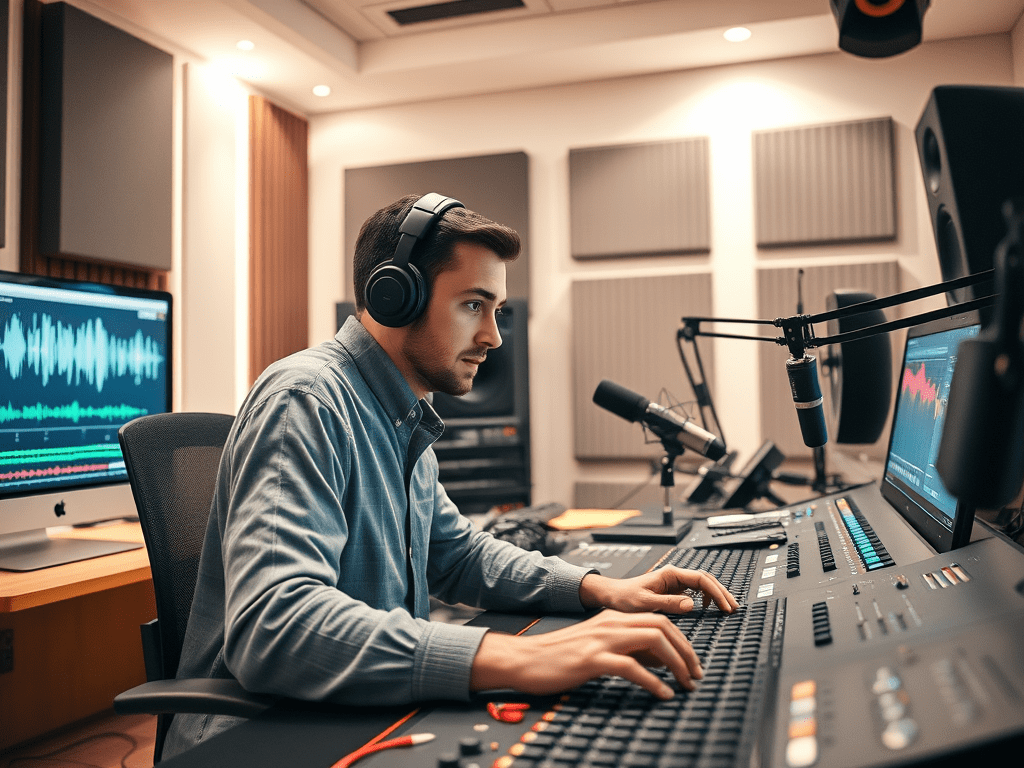
In the immersive worlds of video games, sound is half the experience. It sets the mood, provides feedback, and tells a story. But nothing shatters immersion faster than inaudible dialogue drowned out by a roaring explosion or an orchestral score that overwhelms a critical narrative moment. Achieving a perfect balance between voiceover (VO) and the rest of your game’s audio is not just a technical step—it’s an art form critical to professional polish and player satisfaction.
This balancing act is one of the most common challenges in game audio. Here’s how to approach it methodically to ensure your mix always serves the game.
1. The Foundation: Gain Staging and Dynamic Range
Before you even think about balance, ensure your assets are properly prepared. This starts with gain staging.
- Record Clean VO: Voiceover must be recorded at a consistent, healthy level without clipping (digital distortion). Aim for an average around -18 dBFS to -12 dBFS, leaving ample headroom for processing.
- Normalize SFX and Music: Sound effects and music tracks should also be imported at standardized levels. Avoid normalizing everything to 0 dB; this creates a chaotic starting point. Use batch normalization tools to bring everything to a more manageable average level (e.g., -12 dBFS).
The goal of this stage is to create a clean, consistent canvas to work on, preventing one incredibly loud sound from skewing your entire mix.
2. The Hierarchy of Clarity: Prioritizing the Voice
In most scenarios, the player must understand the dialogue. It often carries crucial narrative, tutorial, or gameplay information. Therefore, your primary rule should be: The voiceover is king.
- Establish a Reference Level: Set your lead character’s dialogue to a level that feels clear and present. A common practice is to mix dialogue so its peak level sits around -3 dBFS to -6 dBFS on your master bus.
- Use a Dedicated VO Bus: Route all voiceover lines through a single audio bus or mixer group. This allows you to process all dialogue uniformly (e.g., with EQ, compression, and de-essing) and control its overall level with a single fader.
3. The Key Techniques for Balance
Once your levels are set, you’ll inevitably find conflicts. Here are the essential techniques to resolve them.
A. Strategic EQ (Equalization)
This is your most powerful tool for preventing frequency clashes. Instead of just making the VO louder, carve out space for it in the other elements.
- Find the Voice’s “Body”: The intelligibility of human speech primarily lives in the mid-range frequencies (around 800 Hz – 2.5 kHz).
- Create a “Pocket”: Apply a gentle, wide cut (a dip of 2-4 dB) in this same frequency range on your background music and ambient tracks. You can also apply a subtle high-shelf cut to the music to let the breath and air of the vocals shine through. You won’t notice the music sounds worse, but you will instantly notice the dialogue becomes clearer.
B. Dynamic Compression and Side-Chaining
This advanced technique is a game-changer for managing sudden, loud sound effects.
- Compress the VO: Gentle compression (a ratio of 2:1 to 4:1) on the voice bus can ensure quieter lines are audible and louder lines are controlled, maintaining consistency.
- Duck the Competition (Side-Chaining): This is the secret weapon. You can set up a compressor on your SFX or Music bus that is triggered (side-chained) by the voiceover signal. When the VO plays, it automatically tells the compressor to temporarily lower the volume of the music/SFX. Once the dialogue finishes, the other audio smoothly returns to its original level. This is perfect for ensuring a boss’s monologue is heard over the combat music.
C. Strategic Automation
Sometimes, technology needs a human touch. Automation—manually drawing in volume changes over time—is invaluable.
- Music Swells: Automate the music track to dip down (a “duck”) just before a key line of dialogue and swell back up afterwards. This is musically more elegant than a brute-force side-chain and is a standard technique in film scoring.
- Critical Moments: In narrative-heavy scenes, don’t be afraid to automate the ambient background sounds to lower slightly to emphasize the importance of the conversation.
4. The Critical Step: Playtesting on Multiple Systems
Your studio headphones or monitors are a controlled environment. Players will experience your game on everything from high-end surround sound systems to phone speakers and cheap earbuds.
- Test on Consumer Gear: Always check your mix on common devices like laptop speakers, TV speakers, and gaming headsets. These systems often exaggerate bass and lack mid-range clarity, making voiceover even harder to hear.
- Check at Low Volume: Play your game at a very low volume. If you can still make out the dialogue and understand the core gameplay feedback from the SFX, your mix is robust.
Conclusion: A Mix That Serves the Experience
Balancing game audio is not about making everything equally loud. It’s about guiding the player’s ear and emotional response. The voiceover, as the primary carrier of story, deserves priority. By using techniques like strategic EQ carving, side-chain compression, and thoughtful automation, you can create a rich, detailed, and powerful audio landscape where every element has its place. The result is a professionally polished game where the sound enhances—rather than hinders—the player’s journey. Remember, a great mix is often invisible; the player never notices it because they are completely immersed in the world you’ve created.
 Wonder-Ware
Leave a comment