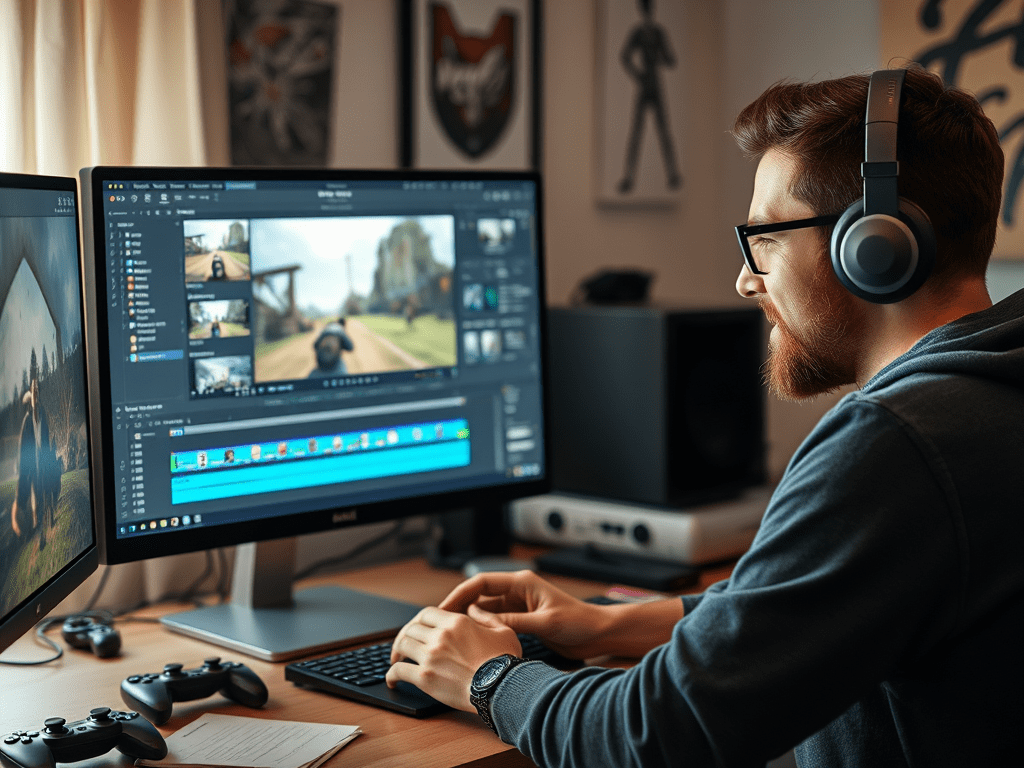
So, you’ve captured some epic gameplay footage and you’re ready to create your first highlight reel or montage. You fire up your editing software, full of excitement, only to feel overwhelmed a few hours later. Don’t worry; every great video editor started right where you are.
The path from raw footage to a polished video is filled with potential pitfalls. Let’s break down the most common beginner mistakes in game video editing and, more importantly, how you can avoid them to create engaging, professional-looking content.
1. The “Everything is Awesome” Mistake: No Story or Focus
The Mistake: You include every single kill, every funny moment, and every quiet lull because you can’t bear to cut anything. The result is a long, meandering video that lacks pacing and fails to hold the viewer’s attention.
How to Avoid It:
- Find Your Angle: Before you even start editing, ask yourself: “What is the story of this video?” Is it a clutch comeback? A hilarious fail compilation? A showcase of incredible skill? Your answer will be your guiding principle.
- Kill Your Darlings: Be ruthless in the cutting room. If a clip doesn’t serve the core story or elicit the intended emotion (excitement, laughter, tension), cut it. A tight, 3-minute highlight reel is always better than a bloated 10-minute one.
- Create a Narrative Arc: Structure your video like a story. Start with a strong hook, build up to a climax (the most intense or impressive moment), and then provide a satisfying conclusion.
2. The Sensory Overload: Excessive Effects and Transitions
The Mistake: You discover the “lens flare,” “shake,” and “chromatic aberration” effects, and suddenly your video looks like it’s having a seizure. You also use every single crazy transition pack you downloaded, making the actual gameplay hard to follow.
How to Avoid It:
- Less is More: Use effects and transitions to enhance the moment, not to be the moment. A quick zoom or a subtle shake can emphasize a big play. A hard cut is often the most effective and professional-looking transition.
- Establish a Style: Choose a few key effects that fit your channel’s brand and use them consistently. Your audience will appreciate a cohesive style over random visual chaos.
3. Ignoring the Soundscape: Poor Audio Balance
The Mistake: The in-game music is blasting, your friend’s voice chat is a whisper, and your own reactions are peaking into distortion. Poor audio is the fastest way to make viewers click away.
How to Avoid It:
- Separate Your Audio Tracks: If possible, record your game audio, voice chat, and your microphone on separate tracks. This gives you individual control in the editing suite.
- Level It Out: Use your editing software’s audio level meters. Aim for:
- Voice/Voice Chat: The loudest and clearest element (-3dB to -6dB).
- Gameplay Audio: Lower, serving as background atmosphere (-12dB to -18dB).
- Sound Effects & Music: Even lower, so they don’t compete with the dialogue.
- Use a Pop Filter and Noise Removal: A simple pop filter for your mic can reduce harsh “p” sounds. Use noise removal tools to eliminate background hum or fan noise.
4. The Jump Cut Jungle: Awkward Pacing and Rhythm
The Mistake: Cuts happen at random, inconsistent intervals, making the video feel jarring and amateurish. There’s no flow between actions.
How to Avoid It:
- Edit to the Beat: One of the oldest tricks in the book is to cut your clips to the rhythm of your background music. This creates a natural, satisfying flow that feels intentional.
- Vary Your Shot Length: Use longer takes to build tension and shorter, rapid-fire cuts for moments of high action and intensity.
- Use J-Cuts and L-Cuts: These are edits where the audio from the next clip starts before the video (J-Cut) or the audio from the current clip continues into the next (L-Cut). This creates a smoother, more professional auditory transition.
5. Forgetting the Viewer: No Context or Engagement
The Mistake: You upload a video without a title, a descriptive thumbnail, or any context for the viewer. They have no idea what they’re about to watch or why they should care.
How to Avoid It:
- Start with a Hook: The first 5-10 seconds of your video are critical. Start with your most exciting or intriguing moment to grab the viewer immediately.
- Invest in Your Thumbnail and Title: These are your video’s packaging. Create a custom, high-quality thumbnail that is bright, clear, and creates curiosity. Pair it with a compelling title that tells the viewer what to expect.
- Talk to Your Audience: If you’re doing a voiceover, briefly introduce what the video is about. Encourage viewers to like and subscribe at the end, but make it a natural part of your sign-off.
Your Journey to Better Edits Starts Now
Game video editing is a skill, and like any skill, it improves with practice and conscious effort. By avoiding these common pitfalls, you’ll be well on your way to creating content that is not only fun to make but also a pleasure to watch.
So, open up your project file, be critical, be creative, and most importantly, have fun. Happy editing!
 Wonder-Ware
Leave a comment