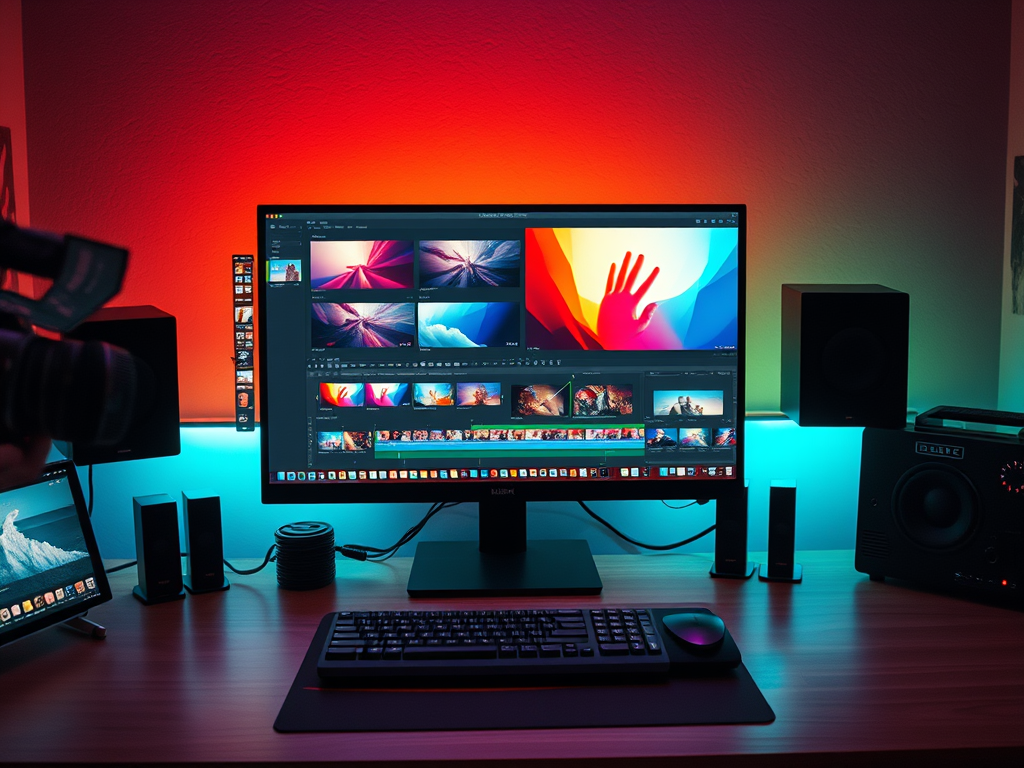
As a video creator, you know that a powerful story isn’t just about the clips you shoot—it’s about how you connect them. Transitions are the invisible (and sometimes visible) language of filmmaking. They are the punctuation marks that guide your audience’s emotions, focus, and understanding of your narrative.
But beyond the flashy effects in your editing toolbox lies a deeper question: How does each transition make your viewer feel? Understanding the psychology behind transitions is the key to evolving from an editor to a visual storyteller.
The Cut: The Invisible Workhorse
The cut is the most fundamental transition, an instantaneous change from one shot to the next. Psychologically, it mimics the natural way our attention shifts from one focal point to another.
- Psychology & Use Case:
- Seamless Flow: Standard cuts maintain continuity, making the viewer feel like a fly on the wall in a real scene.
- Pacing & Rhythm: A series of rapid cuts creates excitement, urgency, or chaos (perfect for action sequences or a bustling city montage). Conversely, longer takes with fewer cuts build tension, intimacy, or allow for deep reflection.
- In Your Software: This is your default. Master the art of cutting on action to make the edit even more invisible and engaging.
The Dissolve: The Connector of Ideas
The dissolve, where one clip gracefully blends into the next, is a powerful tool for suggestion. It tells the viewer that two ideas, moments, or locations are connected.
- Psychology & Use Case:
- Passage of Time: A slow dissolve is the classic way to show minutes, days, or even years passing. It has a soft, often melancholic or thoughtful feel.
- Mental Connection: Dissolving from a character’s face to a memory or a related object shows what they are thinking or feeling without a single word of dialogue.
- In Your Software: Use the Cross Dissolve in your editor. Adjust its duration—a longer dissolve feels more dreamy and significant, while a short one can simply soften a time jump.
The Wipe: The Stylistic Storyteller
The wipe pushes one shot off the screen to reveal the next. It’s a more overt and directive transition that can add a dynamic, graphic element to your video.
- Psychology & Use Case:
- Clear Separation & Momentum: It clearly signals a change in location, topic, or perspective, often with a sense of energy and forward motion.
- Stylized Tone: Wipes can create a retro, comic-book, or futuristic vibe. They can be playful or used to create a sense of urgency, as if one scene is “chasing” the last.
- In Your Software: Explore your editor’s Wipe Gallery (e.g., clock wipes, slide transitions). Use them intentionally to match your video’s overall style, but avoid overusing them in serious narratives.
The Fade: The Ultimate Punctuation
The fade is your most powerful tool for signaling beginning and end. A fade to or from black is the visual equivalent of a period or a curtain closing.
- Psychology & Use Case:
- Fade to Black: Signifies a definitive ending, finality, or a profound conclusion. It gives the audience a moment of psychological closure to absorb what they’ve seen.
- Fade from Black: Marks a beginning, an awakening, or the start of a new chapter.
- Fade to White: Often implies an afterlife, a revelation, or a transcendent moment.
- In Your Software: The Fade to Black and Fade from Black are non-negotiable tools for your intro and outro. Use them to bookend your story with emotional weight.
Match Cut: The Master’s Touch
A match cut bridges two disparate scenes through a similar visual or action. It’s one of the most sophisticated and satisfying transitions for an audience.
- Psychology & Use Case:
- Thematic Connection: It creates an “aha!” moment, linking two ideas across time and space. The famous bone-to-spaceship cut in 2001: A Space Odyssey connects primitive tools to advanced technology in a single, brilliant moment.
- Intellectual Reward: The viewer feels smart for understanding the connection, creating a deeper and more engaging experience.
- In Your Software: This requires careful planning and precise editing. Look for similar shapes, motions, or colors in two different clips. Align them perfectly in your timeline to create that magical, seamless jump.
Conclusion: Edit with Intention
Every transition in your video editing software is more than just an effect—it’s an emotional cue. The next time you’re building your sequence, don’t just ask, “Which transition looks cool?” Ask, “How do I want my audience to feel at this moment?”
Do you want them to feel the relentless pace of an action scene? Use rapid cuts.
Do you want them to feel the wistful passage of time? Use a slow dissolve.
Do you want to leave them with a sense of finality? Fade to black.
By harnessing the psychology of transitions, you move beyond simply assembling clips to truly directing your audience’s emotional journey. Now, open your project and start telling your story with intention.
 Wonder-Ware
Leave a comment